Ads get people to your store once. Email brings them back.
It's still the cheapest, most reliable sales channel an online store can own. No algorithm decides who sees it, and you don't pay for every click.
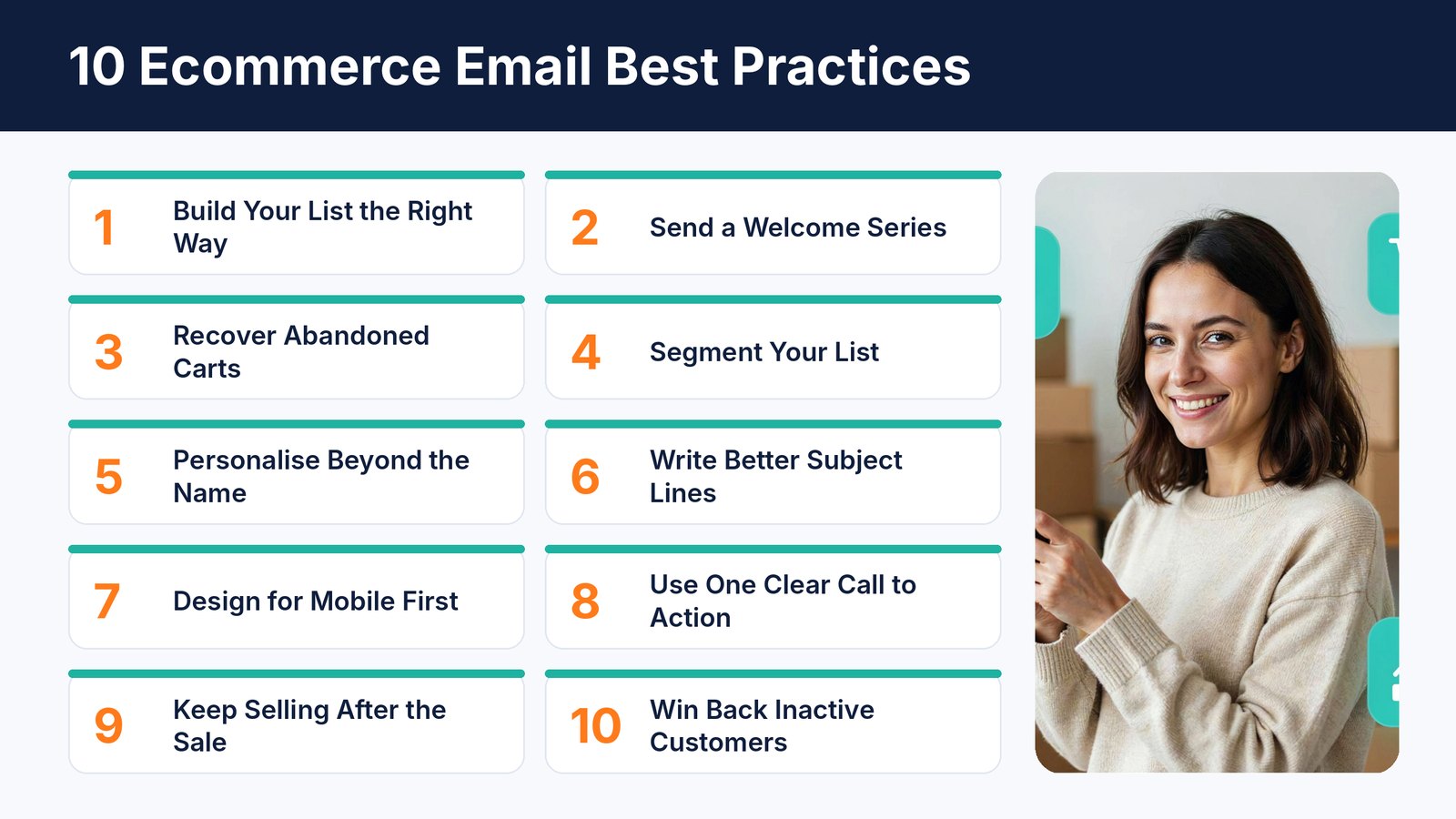
But inboxes are more crowded than ever, and the rules for getting delivered got stricter. Here are the 10 ecommerce email best practices that actually move sales in 2026.
Why Email Still Matters for Online Stores
Email marketing has one of the best returns of any channel. Industry studies from groups like Litmus have long put it at around $36 back for every $1 spent.
The reason is simple. People on your list already know you. Many have bought before. You're not interrupting strangers, you're reminding friends.
And unlike social media followers, your email list is yours. If a platform changes its rules tomorrow, your list stays put.
Two Kinds of Store Emails
Before the tips, it helps to know the two main types of email a store sends.
| Campaign Emails | Automated Emails | |
|---|---|---|
| What they are | One-off sends to your list | Emails triggered by what a shopper does |
| Examples | Sales, new arrivals, holiday offers, news | Welcome, abandoned cart, order updates, win-back |
| Effort | You write and send each one | Set up once, then they run on their own |
| Best for | Creating buzz and timely offers | Steady sales every single day |
Most successful stores use both. Automated emails do the quiet, reliable work in the background. Campaigns add the spikes.
1. Build Your List the Right Way
Everything starts with a healthy list. Never buy one. Bought lists are full of people who never asked to hear from you, and they hurt your delivery for everyone else.
Instead, give visitors a good reason to sign up. A first-order discount, free shipping or early access to sales all work well. Show the offer in a simple pop-up, in your footer and at checkout.
Keep the form short. An email address is enough to start.
2. Send a Welcome Series
Welcome emails get some of the highest open rates you'll ever see. New subscribers are curious and paying attention, so don't waste the moment.
Send the promised discount right away. Then follow up over the next week with your story, your best sellers and what makes you different. Three to four emails is plenty.
Here's a simple welcome series you can copy.
| When | |
|---|---|
| Right away | Thank you plus the sign-up discount |
| Day 2 | Your story and why you started the store |
| Day 4 | Best sellers and real customer reviews |
| Day 7 | A friendly reminder that the discount ends soon |
3. Recover Abandoned Carts
Most shoppers who add something to their cart leave without buying. The Baymard Institute puts the average cart abandonment rate at around 70 percent.
That's a lot of nearly-made sales. An abandoned cart email reminds them what they left behind, with a picture of the product and a button straight back to checkout.
Send the first one within an hour or two. A second a day later works well. Save any discount for the last reminder, so you don't train people to abandon carts on purpose.
4. Segment Your List
Not everyone on your list wants the same email.
A first-time buyer, a loyal regular and someone who hasn't opened in six months need different messages. Split your list by what people bought, how often they buy and how recently they engaged.
Even two or three simple segments will beat sending one email to everyone.
Good segments to start with.
- New subscribers who haven't bought yet
- First-time buyers who need a reason to come back
- Repeat customers who deserve early access and thank-you perks
- Big spenders who might love premium products or bundles
- Sleepers who haven't opened or bought in months
5. Personalise Beyond the First Name
"Hi Sarah" isn't personalisation anymore. Everyone does it.
Real personalisation means showing products related to what someone bought or browsed, sending reorder reminders when a product is likely running out, and marking birthdays or order anniversaries with a small treat. That's what makes an email feel like it was written for one person.
6. Write Subject Lines That Get Opened
If the subject line doesn't work, nothing else matters.
- Keep it short, so it fits on a phone screen.
- Be clear about what is inside. Curiosity helps, but confusion doesn't.
- Use the preview text as a second subject line.
- Skip spammy words, all caps and piles of exclamation marks.
- Test two versions and keep the winner.
A few examples that work well for stores.
- "Your cart misses you" for an abandoned cart
- "Back in stock, but not for long" for a restock
- "3 ways to use your new [product]" for a post-purchase tip
- "Here's 15% off your first order" for a welcome email
7. Design for Mobile First
Most emails are opened on a phone. If yours is hard to read on a small screen, it gets deleted.
Use one column, large text and big buttons that are easy to tap. Keep images light so they load fast, and always add short alt text in case images are blocked.
8. Use One Clear Call to Action
Every email should have one main job. Shop the sale. Leave a review. Come back to your cart.
When an email asks for five things, people usually do none of them. Make your main button stand out and repeat it once near the bottom for people who scroll.
Keep the button text specific, too. "Get my 15% off" works better than a plain "Click here", because it tells people exactly what happens next.
9. Don't Stop After the Sale
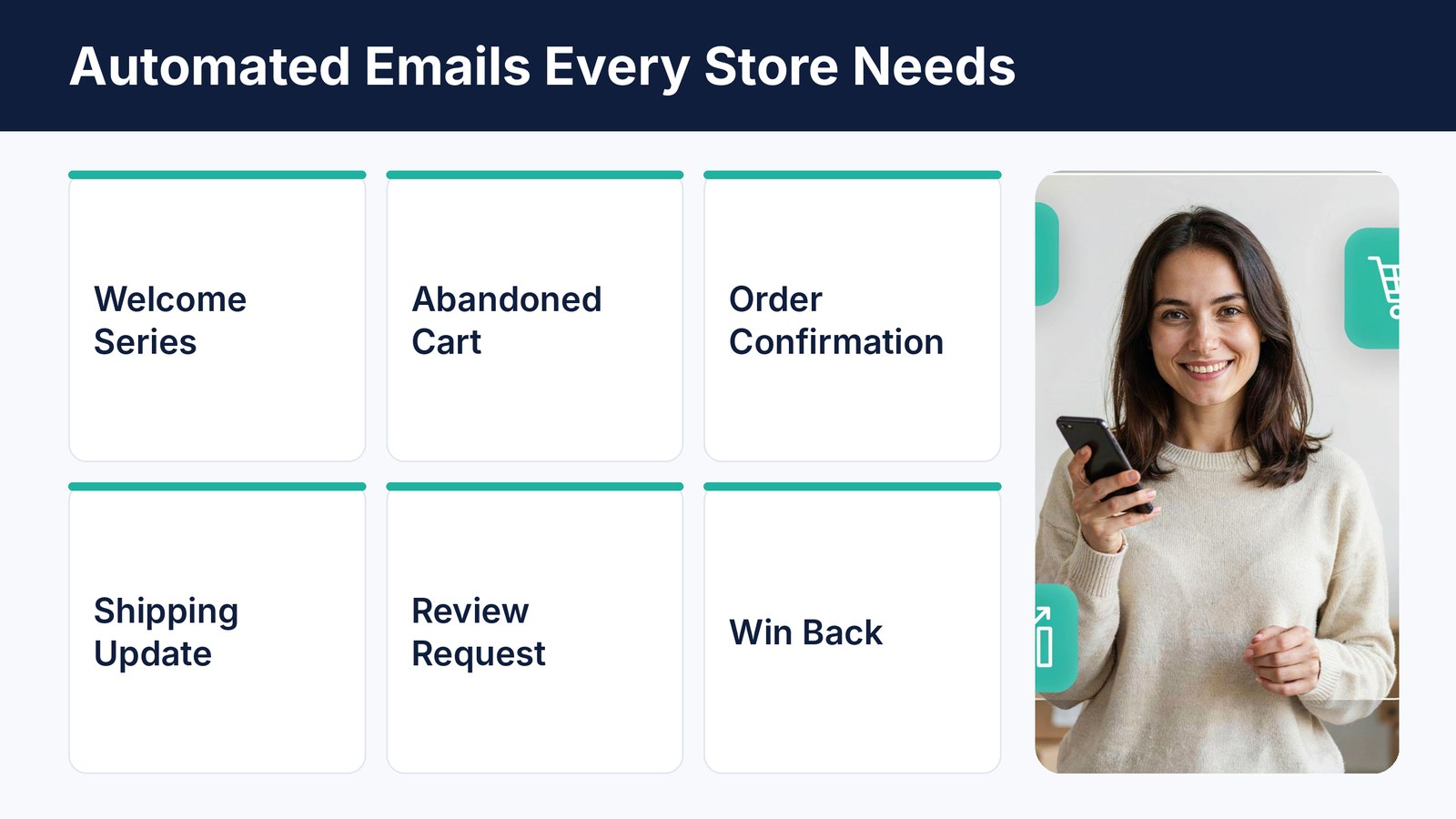
The order confirmation is the most-opened email most stores send. Use it well.
Thank the customer, confirm the details and set clear delivery expectations. Then follow with a shipping update, a quick how-to-use tip and, once the product arrives, a request for a review.
A week or two later, suggest something that goes with what they bought. Repeat customers are far cheaper to win than new ones.
10. Win Back Inactive Customers
Some customers drift away. That's normal.
Before giving up, send a short win-back series. Tell them you miss them, show what's new and offer a reason to return. If they still don't open after that, remove them from your list. A smaller list of real readers beats a big list of ghosts.
A good win-back series might look like this. First, a friendly "we miss you" with your newest products. A week later, a small, time-limited offer. Finally, a short note asking if they still want to hear from you, with one button to stay subscribed.
You'll be surprised how many people click that last button.
Bonus, Protect Your Deliverability
Great emails don't help if they land in spam.
Since 2024, Gmail and Yahoo have asked bulk senders to prove who they are and make unsubscribing easy. In 2026 that's simply the baseline.
- Authenticate your domain with SPF, DKIM and DMARC. Your email tool or host can help you set these up.
- Add one-click unsubscribe. Hiding it only leads to spam complaints.
- Keep complaints low by only emailing people who asked.
- Clean your list of bounced and long-inactive addresses regularly.
- Warm up new domains by starting with small sends to your most engaged readers.
How Often Should You Send?
There's no perfect number. Many stores do well with one or two campaign emails a week, plus their automated emails.
Watch your numbers. If unsubscribes and complaints rise, slow down. If people keep opening and buying, you probably have room to send a little more. Consistency matters more than volume.
Test and Track Everything
The best practices above are a starting point. Your own customers will tell you what works.
| Metric | What It Tells You |
|---|---|
| Click rate | Whether your content and offers interest people |
| Conversion rate | How many readers actually bought |
| Revenue per email | The real value of each send |
| Unsubscribe rate | Whether you are sending too much or the wrong things |
| Spam complaints | Whether your list and frequency are healthy |
Open rates are less reliable than they used to be, since Apple Mail Privacy Protection loads emails automatically. Focus on clicks and sales instead.
Common Mistakes to Avoid
- Sending only discounts. Your margins shrink and people stop buying at full price.
- Ignoring automation. Manual campaigns alone leave easy sales on the table.
- Emailing everyone the same thing. One-size-fits-all emails get ignored.
- Forgetting mobile. Tiny text and small buttons kill clicks.
- Never cleaning the list. Dead addresses drag down delivery for everyone.
- Not checking the numbers. If you don't track sales per email, you can't improve.
Most of these take an afternoon to fix, and the payoff lasts for years.
How ShopFunnels Makes Store Email Easy
Most store builders make you pay for a separate email tool, then connect it with apps. That's another monthly bill and another thing to break.
ShopFunnels is our own store builder at Teknikforce, and it has email built in.
- A full built-in autoresponder with email campaigns
- Abandoned cart reminders, ready to switch on
- Built-in AI that writes marketing emails, headlines and product descriptions
- Connects with 25+ autoresponders and leading CRMs if you already use one
- Facebook, Google and other pixels for remarketing
- Hundreds of store templates and dozens of free sales plugins
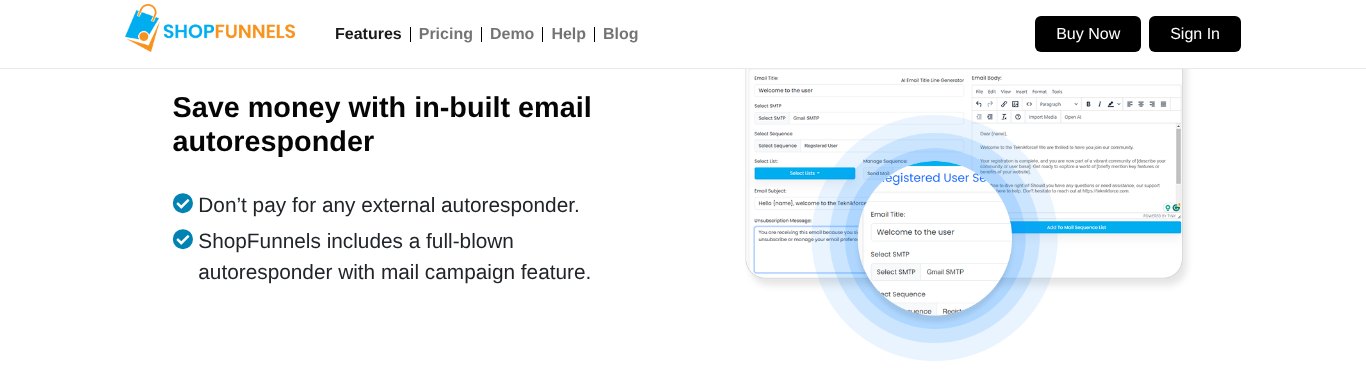
You write and schedule campaigns right inside your store dashboard, so your customer list and your emails live in one place.
There are no per-order fees and no profit sharing. ShopFunnels costs just $5.58 a month paid yearly ($67 a year), or $6.99 a month, with a 30-day refund.
Quick Email Checklist
- Sign-up offer showing on your store
- Welcome series switched on
- Abandoned cart emails switched on
- At least two list segments
- Mobile-friendly, one-column design
- One clear call to action per email
- Post-purchase and review request emails
- Win-back series for inactive customers
- SPF, DKIM and DMARC set up
- One-click unsubscribe in every email
Tick these off and your emails will already be ahead of most stores in your niche.
Final Thoughts
Ecommerce email isn't about sending more. It's about sending the right message to the right person at the right moment.
Start with the automated emails, since they work for you every day without extra effort. Then add campaigns, segments and tests as you grow. Small, steady improvements beat one big overhaul every time.
If you want your store and your email in one place, give ShopFunnels a try.
FAQs About Ecommerce Email Marketing
What is the most important ecommerce email?
The abandoned cart email usually brings in the most extra revenue, with the welcome series a close second. Set those two up first.
How long should an ecommerce email be?
Short enough to read in under a minute. A clear headline, a few lines of text, a strong image and one button is often all you need.
Should I offer discounts in every email?
No. Constant discounts teach people to wait for a deal. Mix in new products, tips, stories and reviews, and save discounts for moments that matter.
Do I need a separate email tool for my store?
Not always. Some store builders, including ShopFunnels, have email marketing and cart reminders built in, which saves money and setup time.
When is the best time to send ecommerce emails?
It depends on your customers. Many stores see good results mid-morning on weekdays, but the only way to know for sure is to test different days and times with your own list.
How big should my list be before I start emailing?
Start right away, even with a handful of subscribers. Set up your welcome and abandoned cart emails first, and they will work for every new person who joins.
How many abandoned cart emails should I send?
Two or three is the sweet spot. Send the first within a couple of hours, a second the next day and, if you like, a final one with a small incentive a day or two later. More than that starts to feel pushy, and people may unsubscribe.