
Your ecommerce platform is the home of your business. It's where customers browse, buy and come back.
Pick the right one and selling feels easy. Pick the wrong one and you pay for it every month, in fees, in lost sales and in hours spent fighting your own store.
This guide walks you through exactly how to choose. No jargon, just the 10 things that matter in 2026 and an honest look at the main options.
What Is an Ecommerce Platform?
An ecommerce platform is the software that runs your online store. It holds your products, shows them to shoppers, takes payments and keeps track of orders.
The good ones do a lot more. They send emails to customers who leave without buying, suggest add-ons at checkout, help you show up in search and tell you which products are actually making money.
Think of it as your shop, your cashier, your stock room and your marketing team rolled into one.
The 4 Types of Ecommerce Platforms
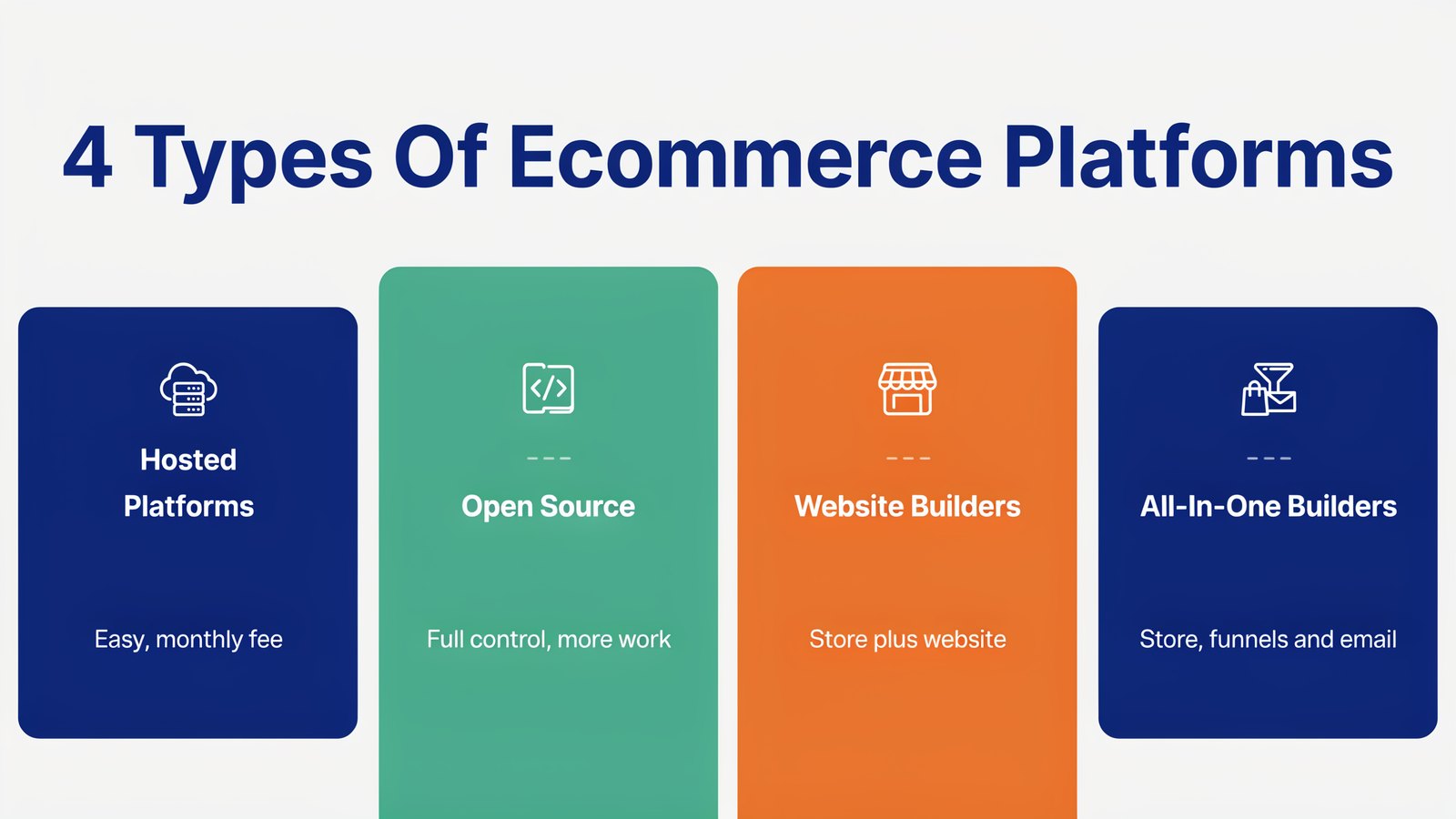
Before comparing brands, it helps to know what kind of platform you want. Most fall into one of four groups.
Hosted Platforms
Shopify and BigCommerce are the best-known examples. The company runs the servers and handles security, and you pay a monthly fee. They're easy to start with, but costs climb as you add apps and sell more.
Open Source Platforms
WooCommerce is the big one here. The software is free, but you need your own hosting, and you're in charge of updates, security and fixing things when they break. Great for people who like control. Hard work for everyone else.
Website Builders With a Store
Wix and Squarespace started as website builders and added selling later. They look beautiful and are simple to use. They work well for small catalogs but can feel limited once you want serious sales tools.
All-in-One Store Builders
Platforms like ShopFunnels put the store, the sales funnel and the marketing tools in one place. You don't stitch together a dozen apps. Upsells, emails, coupons and analytics are already built in, which keeps both the cost and the learning curve low.
What's Changing in Ecommerce in 2026
The basics of a good store haven't changed. But a few things are moving fast, and your platform should keep up.
AI is now a store tool, not a gimmick. Writing product descriptions, headlines and emails used to take days. Good platforms now do a first draft for you in seconds.
Shoppers find products through AI search. More people ask ChatGPT, Gemini or Google's AI answers what to buy. Clean product pages with clear titles, descriptions and prices are more likely to be picked up and recommended.
Fees are getting more attention. With costs rising everywhere, store owners are looking hard at platform fees, app subscriptions and per-order charges. A cheaper, simpler stack is a real advantage.
Funnels beat plain catalogs. The stores that grow fastest don't just list products. They guide buyers with order bumps, upsells and follow-up emails, and that's turning into a must-have.
10 Things to Check Before You Choose
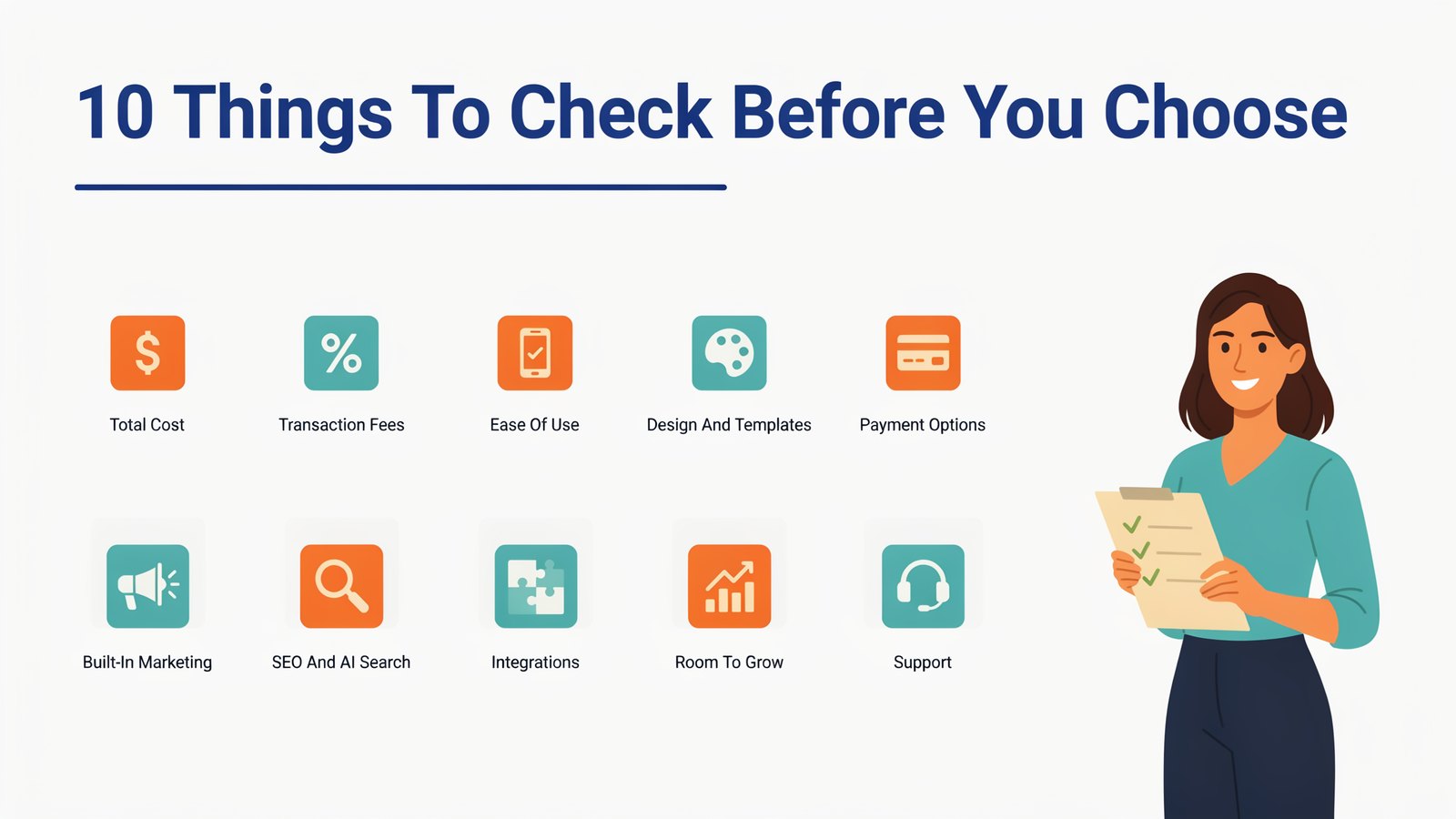
Here's the checklist I'd use if I were starting a store today. Go through it with every platform on your shortlist.
1. Total Cost Per Month
Don't just look at the plan price. Add up the plan, the apps you'll need, the theme, the payment fees and any hosting. That's your real monthly cost.
A $29 plan can easily turn into $150 or more once you add email marketing, reviews, upsells and a premium theme.
2. Transaction and Order Fees
Some platforms take a cut of every sale on top of card processing. Squarespace charges a 2% store fee on its Basic plan. Shopify adds an extra fee if you use a payment provider other than its own.
Two percent sounds small. On $10,000 a month in sales, it's $200 gone, every month, forever. Look for platforms that charge no order fees at all.
3. Ease of Use
You should be able to add a product, change a price or run a sale without calling a developer. Sign up for the free trial and try it yourself. If it feels confusing on day one, it won't get easier.
4. Design and Templates
First impressions decide whether people trust your store. Check that the platform has modern, mobile-friendly templates in your niche, and that you can change colors, fonts and layouts without code.
5. Payment Options
Your customers should be able to pay the way they like. Cards, PayPal, Stripe, Apple Pay, local wallets and buy-now-pay-later all matter, especially if you sell internationally. Make sure your favorite gateway is supported without extra fees.
6. Built-in Marketing Tools
This is where many platforms hide their real cost. Ask whether these come built in or as paid apps.
- Abandoned cart emails
- Upsells, downsells and order bumps
- Coupons and discounts
- Email marketing
- Reviews and social proof
- Exit pop-ups
Every one of these can lift your sales. Every one you have to buy separately raises your monthly bill.
7. SEO and AI Search
You want control over page titles, descriptions, URLs and image alt text. Fast pages and clean product data help with both Google and AI shopping answers. A built-in blog is a big plus too.
8. Integrations
Your store has to talk to your other tools. Check for Zapier or similar connectors, your CRM, your email service and your shipping and accounting apps.
9. Room to Grow
Look for limits that could bite later. Product caps, order caps, sales caps that force an upgrade, and limits on staff accounts. BigCommerce's Core plan, for example, automatically moves you up once you pass $30,000 in yearly sales.
Also check whether you can run more than one store without paying for each one.
10. Support and Security
When something breaks on a busy sales day, you need help fast. Check what support channels you get on your plan. Make sure the platform handles SSL, secure checkout and privacy rules like GDPR for you.
Hidden Costs to Watch For
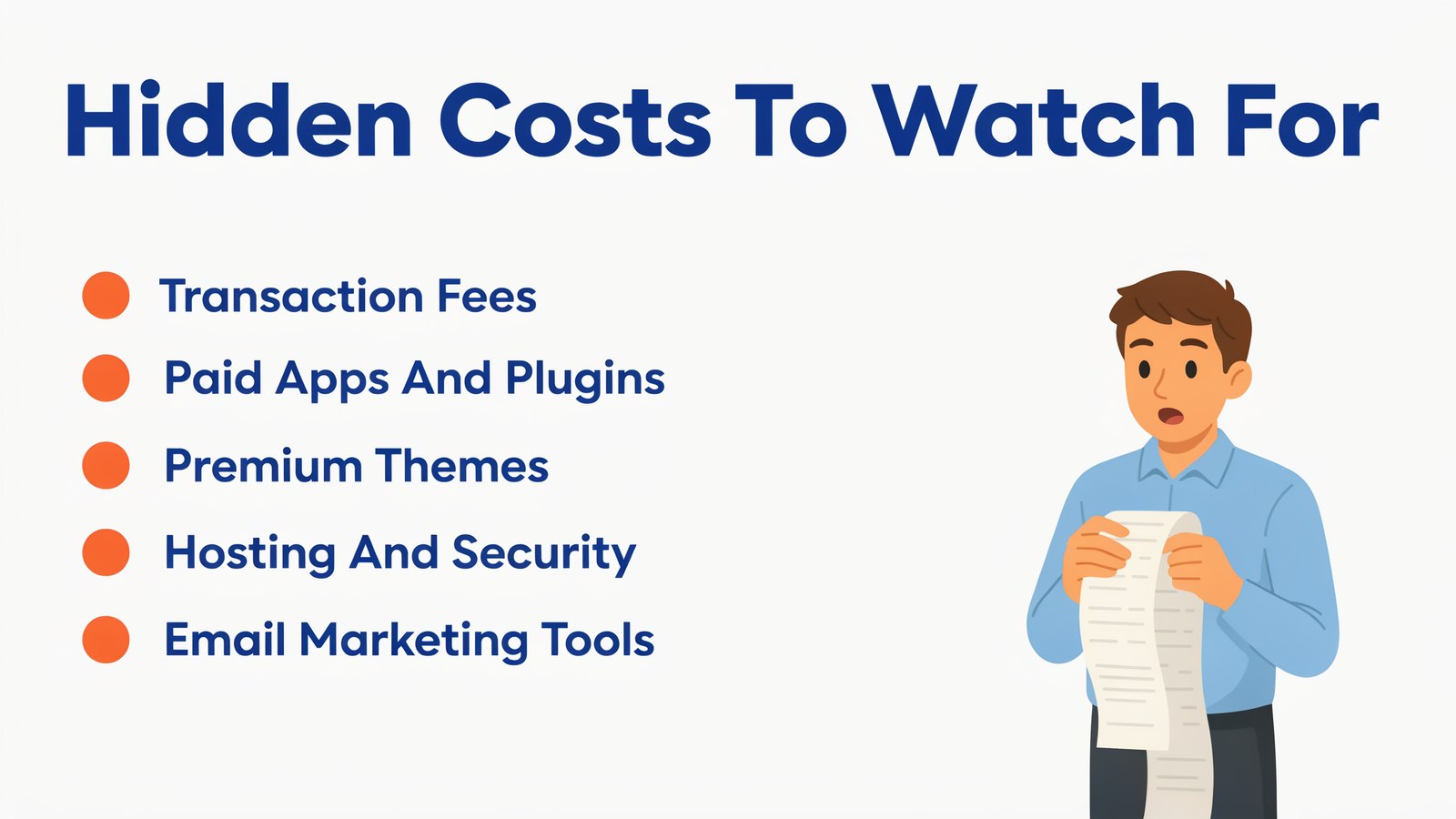
Most store owners don't overpay because of the plan price. They overpay because of everything bolted on afterwards.
- App subscriptions. On Shopify, it's common to pay for 5 to 10 apps at $10 to $50 each.
- Premium themes. Often $150 to $400 up front.
- Transaction fees. Extra charges per sale on some plans and gateways.
- Hosting and extensions. WooCommerce hosting runs about $25 to $350 a month, and paid extensions often cost $29 to $299 a year each.
- Automatic upgrades. Plans that bump you up when you sell more.
- Developer time. Paying someone to fix things you can't change yourself.
Before you commit, write down every tool you'll need and price it out on each platform. The cheapest plan is often not the cheapest store.
The Top Ecommerce Platforms Compared
| Platform | Starting Price | Order Fees | Built-in Upsells | Best For |
|---|---|---|---|---|
| ShopFunnels | $5.58/mo paid yearly | None | Yes | Small businesses that want sales tools included |
| Shopify | $29/mo paid yearly | Extra with outside gateways | Apps | Growing brands with budget for apps |
| WooCommerce | Free plus hosting | None | Paid extensions | WordPress users who want control |
| Wix | $29/mo paid yearly | None | Limited | Small catalogs with a focus on design |
| BigCommerce | $29/mo paid yearly | None | Apps | Larger catalogs and B2B |
| Squarespace | $19/mo paid yearly | 2% on Basic | Limited | Creatives and simple shops |
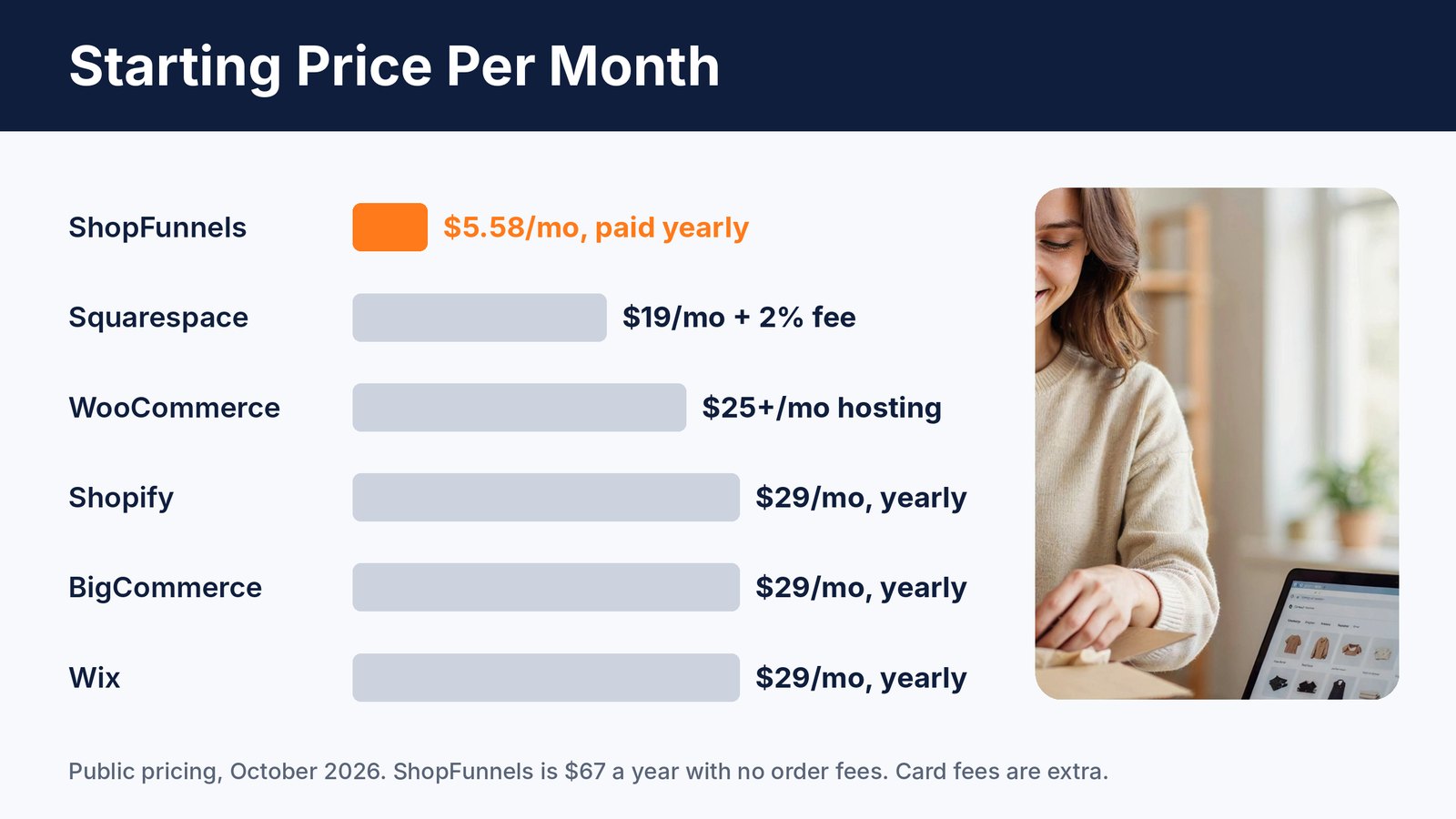
1. ShopFunnels
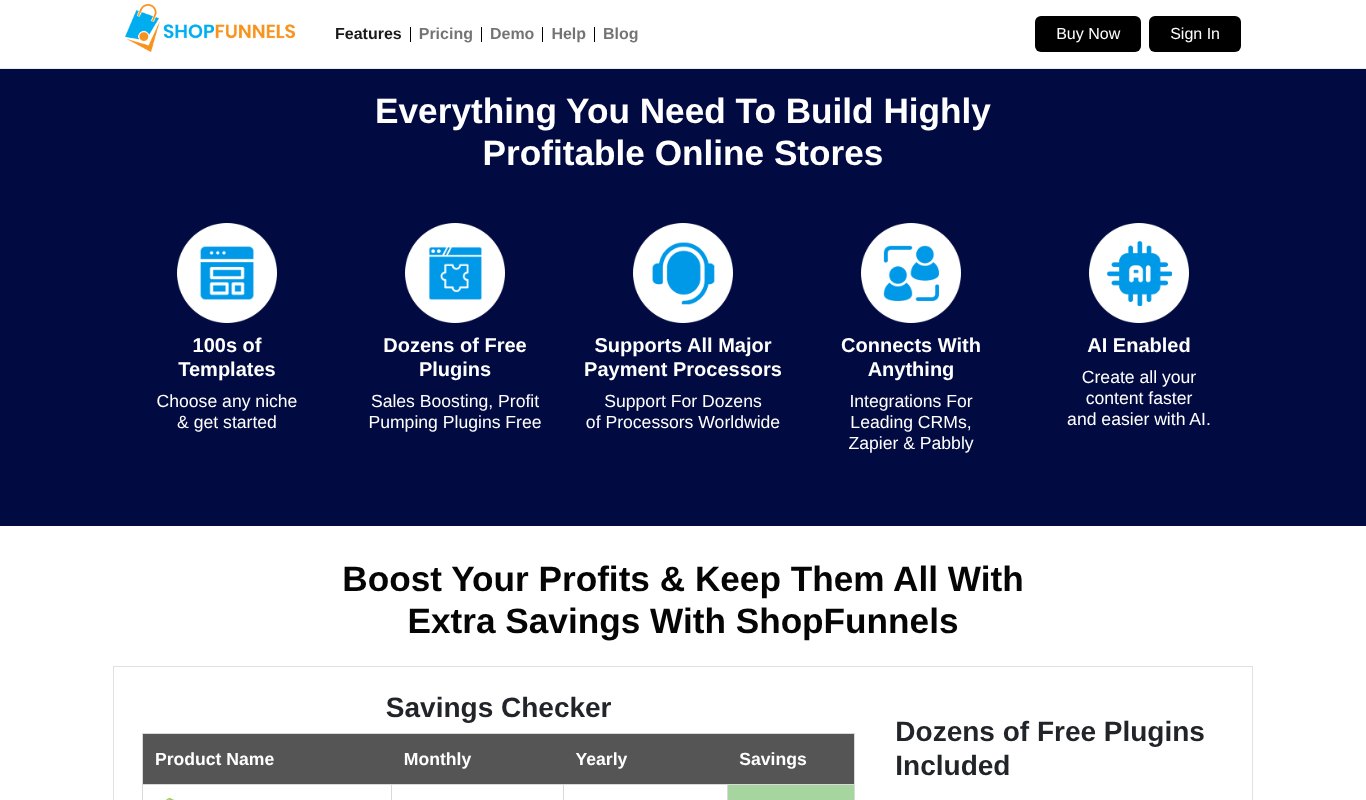
Full disclosure, ShopFunnels is our own product, made by Teknikforce. We built it because we were tired of seeing small businesses pay for a dozen apps just to run a decent store.
ShopFunnels lets you build a store in about 10 minutes from hundreds of templates. The sales tools come built in, so you don't hunt for apps.
- Upsells, downsells, order bumps and cross-sells
- Abandoned cart reminders and built-in email marketing
- 20+ free plugins for reviews, social proof and exit pop-ups
- Coupons, product variants and inventory management
- A/B split testing and analytics
- Works with dozens of payment gateways
- Zapier, Pabbly, Integrately and CRM integrations
- Multiple stores on one domain, and it works next to your existing site or blog
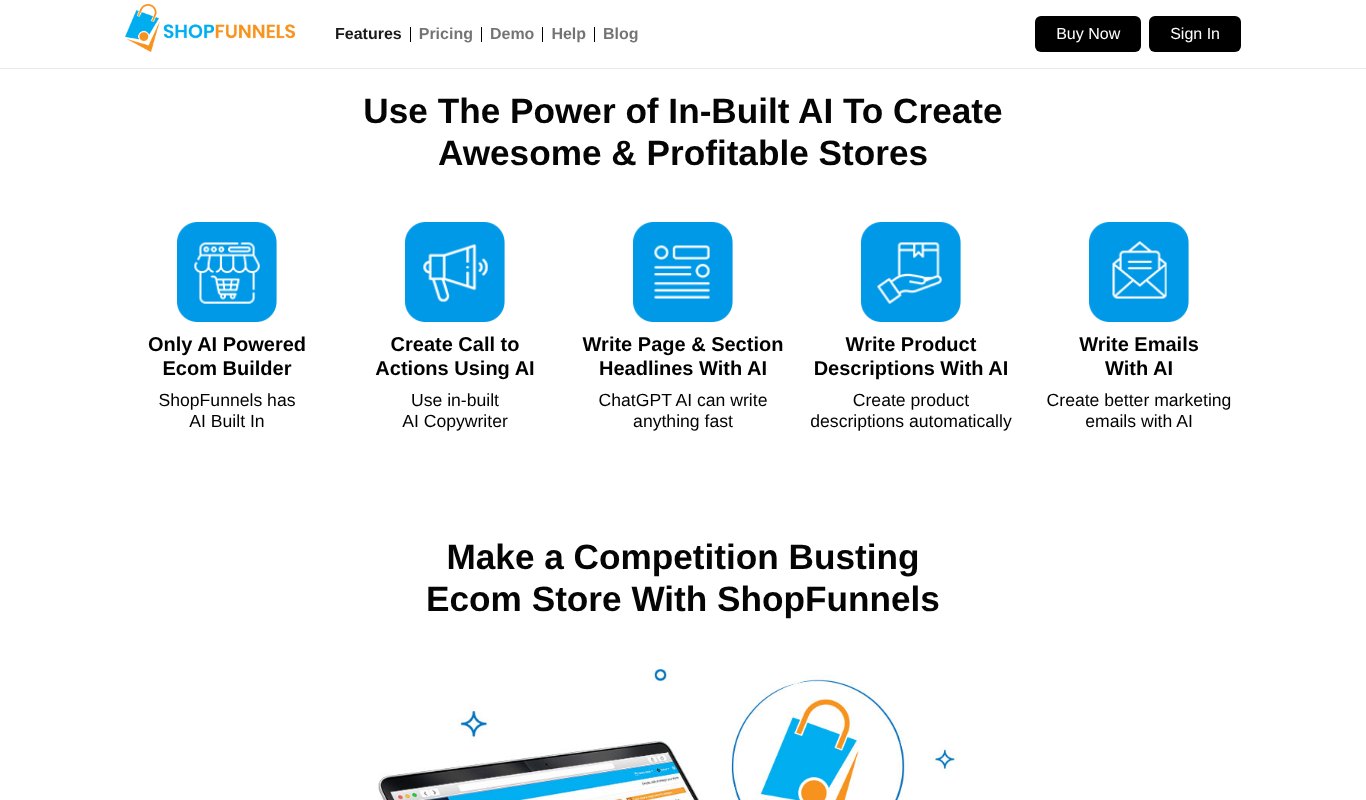
There's also built-in AI that writes headlines, calls to action, product descriptions and emails for you.
Best of all, there's no profit sharing and no per-order fees, and no limits on products or orders. Plans start at just $5.58 a month when paid yearly ($67 a year), or $6.99 month to month, with a 30-day refund.
Best for small and growing businesses that want a complete, sales-focused store without a big monthly bill.
2. Shopify
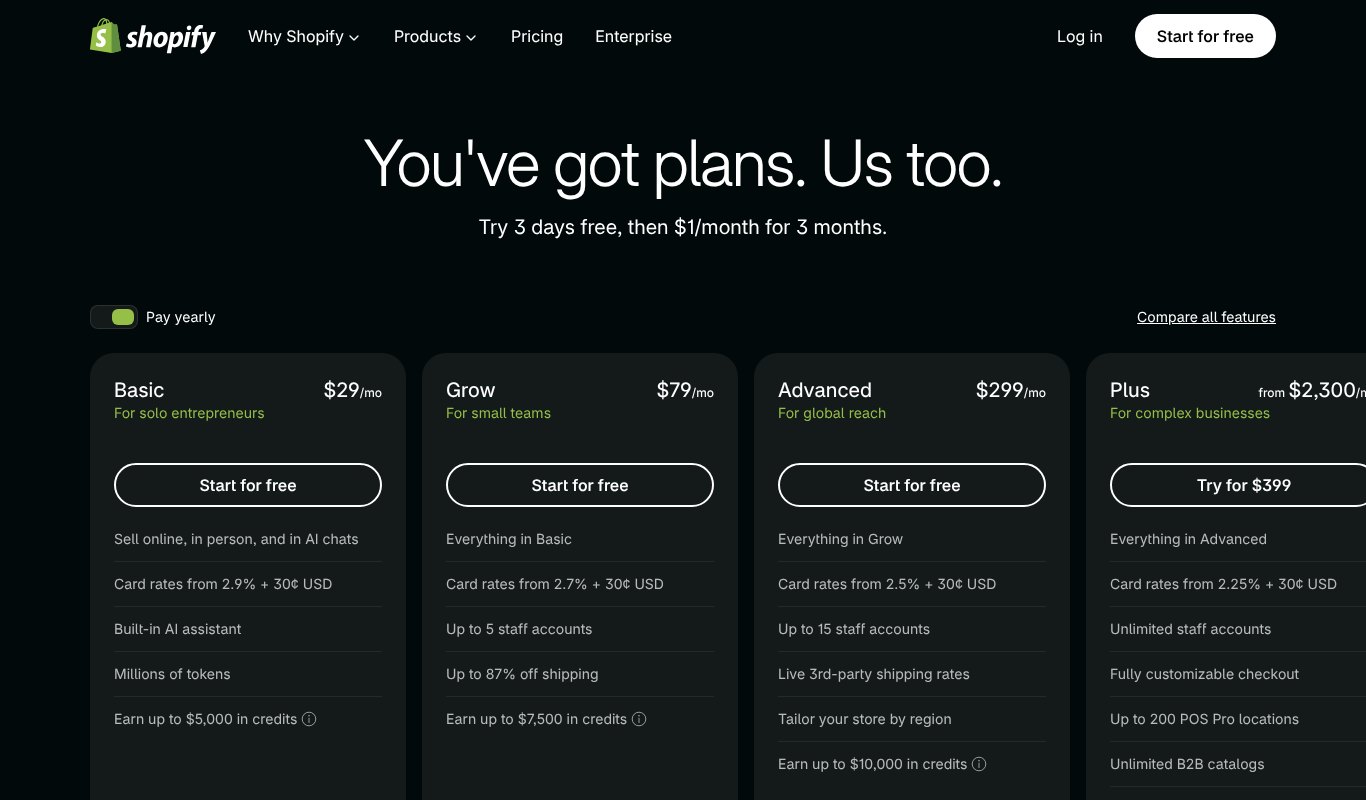
Shopify is the most famous name in ecommerce, and for good reason. It's polished, reliable and has a huge app store.
Basic starts at $29 a month paid yearly, with Grow at $79 and Advanced at $299. Big brands use Shopify Plus, which starts around $2,300 a month.
The downside is cost creep. Many features people expect, like advanced upsells or reviews, come from paid apps. And if you use a payment gateway other than Shopify Payments, you pay an extra fee on every order.
Best for brands with the budget to build out a full app stack.
3. WooCommerce
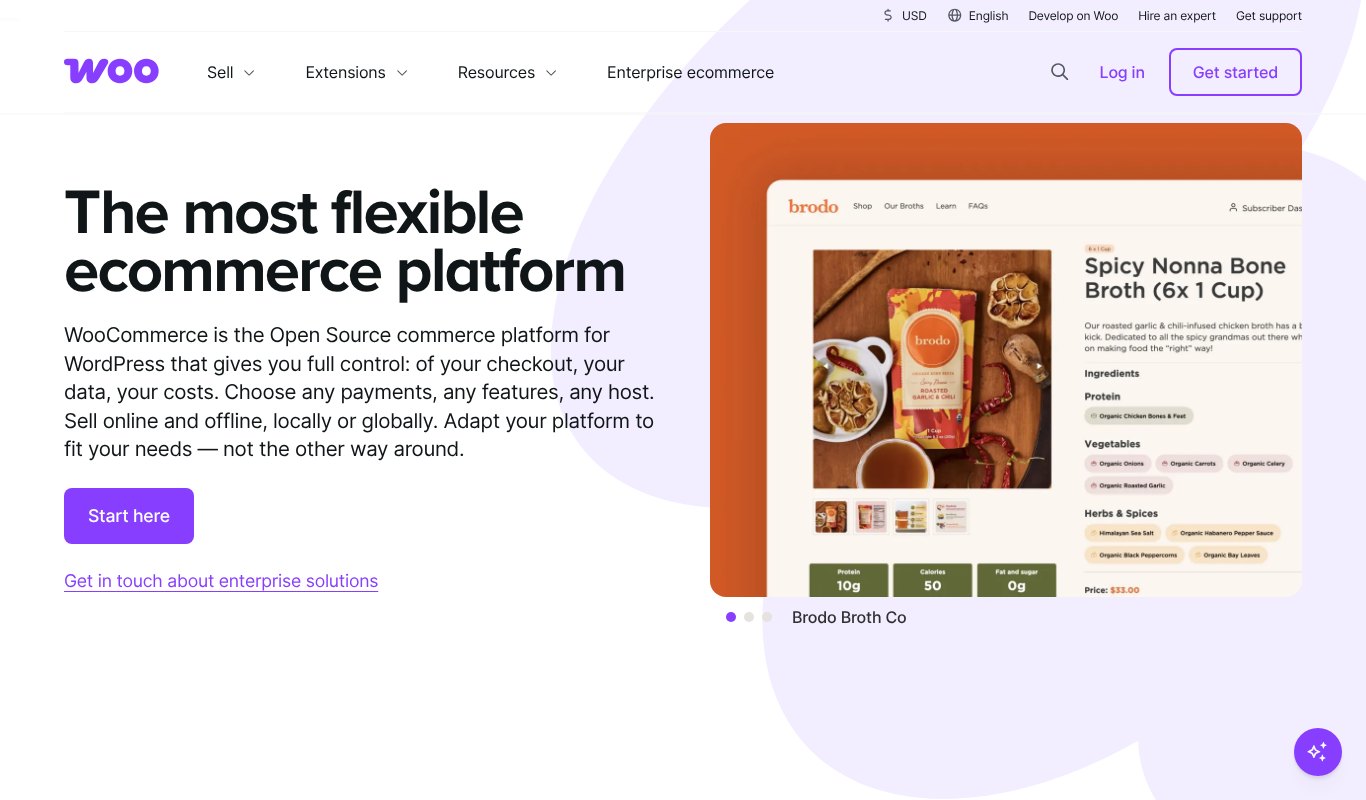
WooCommerce turns a WordPress site into a store. The plugin is free, and you can customize almost anything.
But free isn't really free. You'll pay for hosting, usually somewhere between $25 and $350 a month for a store, plus paid extensions for things like subscriptions or advanced shipping. You're also responsible for updates, backups and security.
Best for WordPress fans who are comfortable with the technical side, or have a developer.
4. Wix
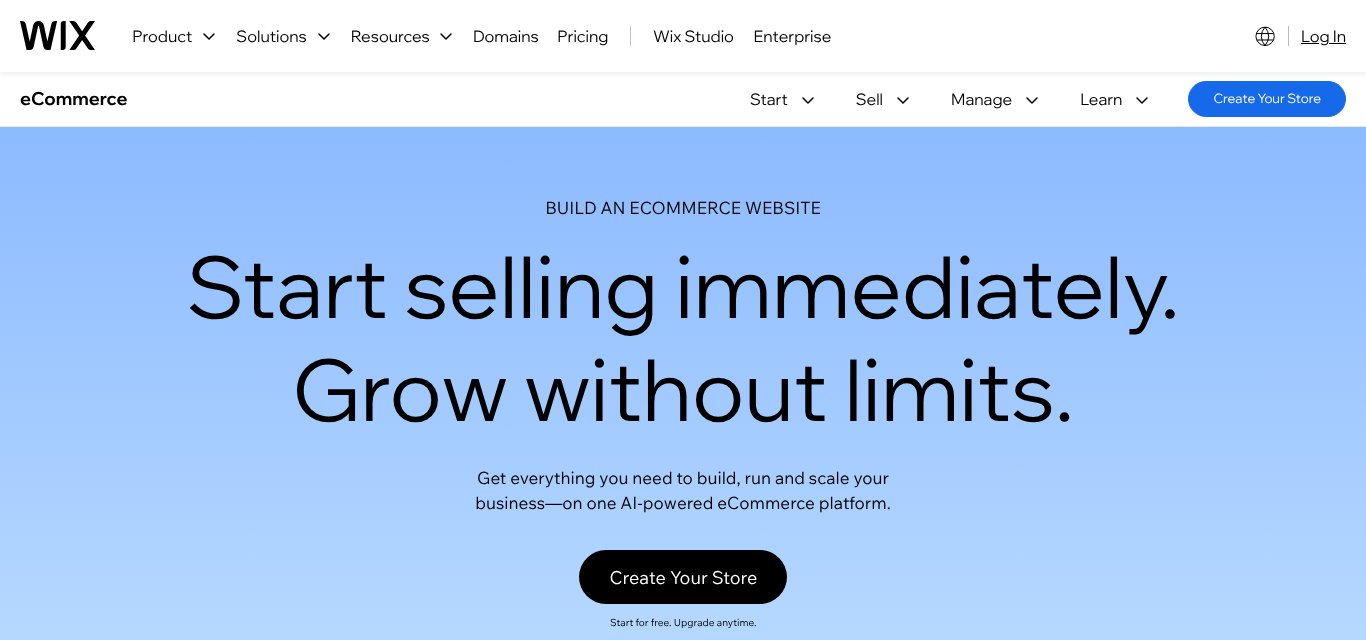
Wix is a drag-and-drop website builder with selling built in. It's easy to use and has lovely templates.
Store plans start around $29 a month paid yearly. It's great for small shops, but serious sales features like funnels and upsells are thin compared to dedicated store builders.
Best for small catalogs where design matters most.
5. BigCommerce
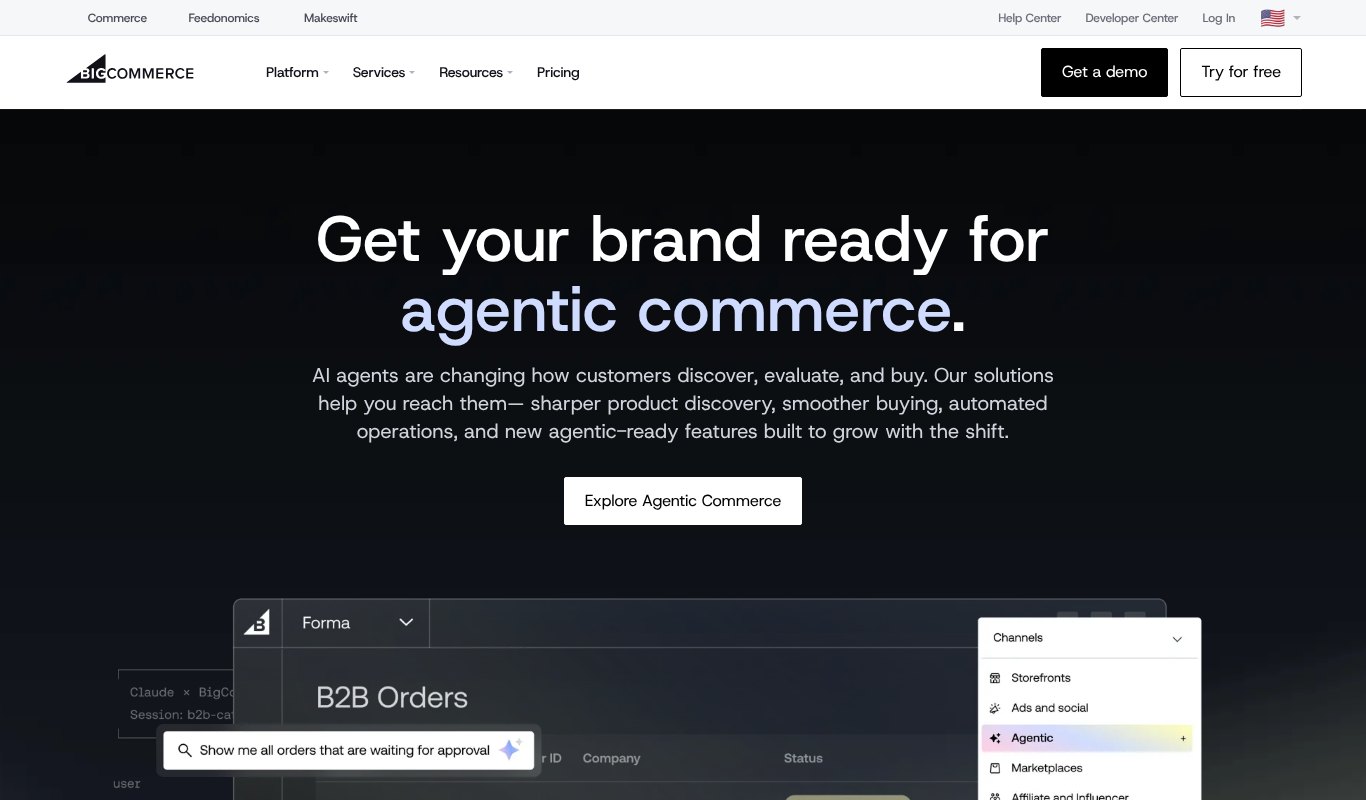
BigCommerce is a strong hosted platform with lots of built-in features and good B2B tools.
Core starts at $29 a month billed yearly, then $79 and $299. Watch the sales caps though. Once you pass $30,000 in yearly sales on Core, you're moved up to a pricier plan.
Best for larger catalogs and businesses that sell to other businesses.
6. Squarespace
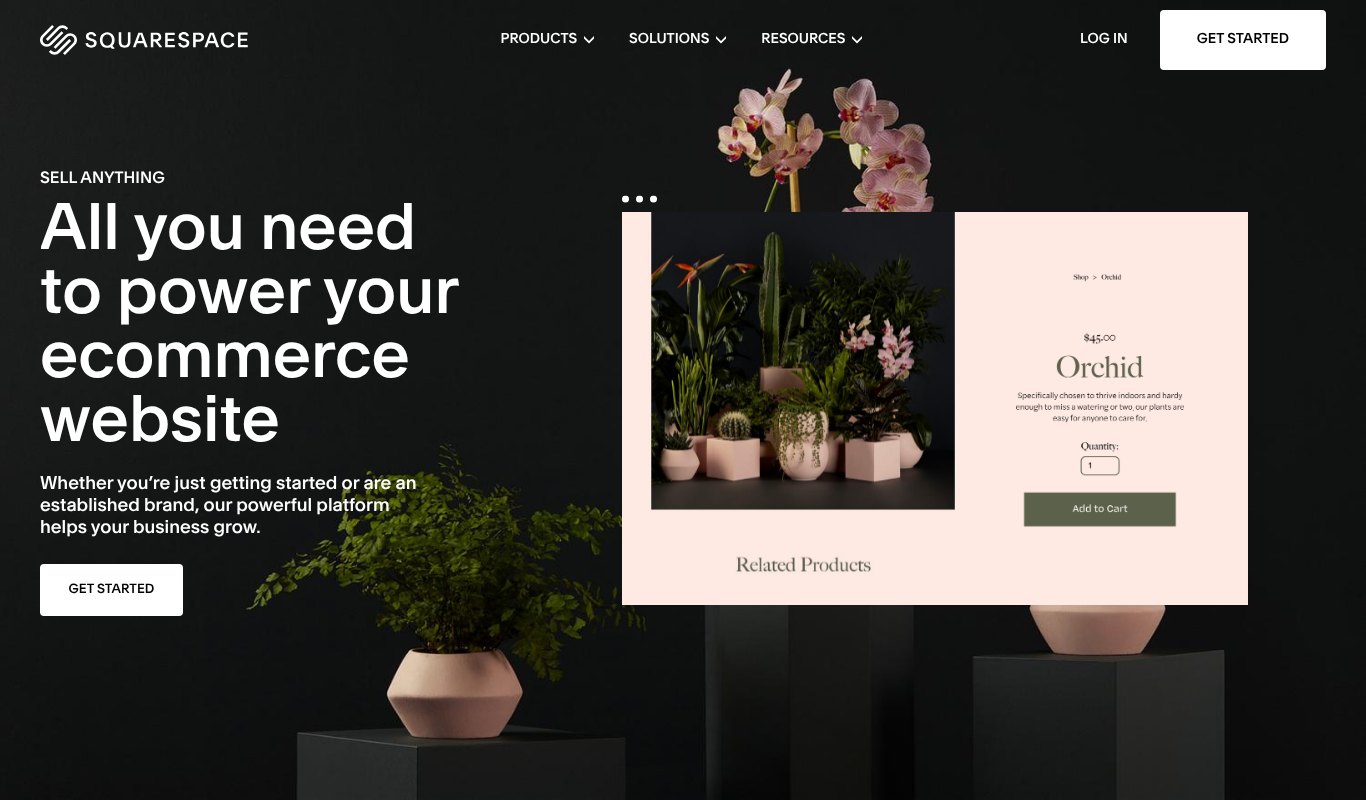
Squarespace is known for beautiful, minimal designs. It's a favorite with photographers, artists and creators.
Basic starts at $19 a month, but it charges a 2% fee on store sales. The Core plan at $29 drops that fee. Selling tools are simple, which is fine for a small shop but limiting as you grow.
Best for creatives who want a stunning site with a small store attached.
How to Choose, Step by Step
Still not sure? Here's a simple process.
- Write down what you sell. How many products, physical or digital, one country or many.
- Set a real budget. Include apps, themes and fees, not just the plan.
- List your must-have features. Upsells, email, coupons, multiple stores, whatever matters to you.
- Shortlist 2 or 3 platforms. Use the checklist above.
- Try each one. Build a test product page on every trial and see how it feels.
- Price out a full year. Compare the total, not the headline price.
- Pick and launch. Done is better than perfect. You can always improve your store later.
Common Mistakes to Avoid
Choosing on looks alone. A pretty template won't help if checkout is clunky or sales tools are missing.
Ignoring fees. Small per-order fees add up to thousands over a year.
Paying for features you won't use. Big enterprise plans sound impressive. Most small stores never need them.
Forgetting about marketing. Getting traffic is half the battle. If your platform can't send follow-up emails or offer upsells, you're leaving money on the table.
Waiting too long. Some people spend months comparing platforms. Pick a good one and start selling.
Frequently Asked Questions
What is the best ecommerce platform for a small business?
For most small businesses, the best platform is the one that gives you sales tools without a stack of extra apps and fees. ShopFunnels is built for exactly that. Shopify is a strong choice if you have a bigger budget.
Which ecommerce platform is the cheapest?
WooCommerce software is free, but hosting and extensions cost money. Among hosted platforms, ShopFunnels is one of the most affordable at $5.58 a month paid yearly, with no order fees.
Can I switch platforms later?
Yes, but it takes work. You'll need to move products, customers and orders, and set up redirects so you don't lose search traffic. It's worth choosing carefully at the start.
Do I need a developer to build an online store?
Not anymore. Modern platforms like ShopFunnels, Shopify and Wix let you build a full store with templates and drag-and-drop tools.
Does my ecommerce platform affect SEO?
Yes. Page speed, clean URLs, editable titles and descriptions, and a built-in blog all help you rank in Google and get picked up by AI search tools.
Final Thoughts
The best ecommerce platform is the one that fits your business today and won't hold you back tomorrow.
Look past the headline price. Add up the apps, the fees and the time it takes to run your store. Make sure the sales tools you need are built in.
If you want a store with upsells, emails, coupons, AI writing and analytics included, and no cut of your sales, try ShopFunnels. You can have your first store live in about 10 minutes.