I'd rather see a startup take one ordinary order than spend another month polishing its homepage. Someone chooses the right size, pays, gets a useful email and receives the parcel they expected. That small sequence tells you more than a beautiful mockup.
That's the angle I'm taking with this list. Not the cheapest possible website, and not a checklist of every ecommerce feature ever invented. I'm looking at which platforms make sense for a startup trying to get its first repeatable sales process working.
ShopFunnels comes first. It's our product at Teknikforce, so this isn't an independent awards list. I'll explain why I'd recommend it, where I'd consider something else and which costs deserve a second look. I haven't run a hands-on trial of all eleven products.
This is a guide for planning a 2027 launch. Competitor prices were checked on vendor pages on November 7, 2026, not predicted for next year. ShopFunnels pricing is confirmed by Teknikforce.
The shortlist I'd actually use
The links in this table go to the vendors' own pricing or product pages. Dollar figures are USD reference prices. Taxes, payment processing and optional extras can change the total. Annual billing means paying for a year, not getting that rate on a monthly contract.
| Platform | Starting option | Startup I'd put it in front of | Catch to check |
|---|---|---|---|
| ShopFunnels | $6.99/month or $67/year | A small team wanting store and sales tools together | Hosting and feature entitlements depend on the offer |
| Shopify | Basic $39 monthly or $29 a month billed yearly | A retail brand expecting apps and integrations | Outside payment provider fees and app bills |
| WooCommerce | Free core software | An existing WordPress business | Hosting, maintenance and extensions cost extra |
| BigCommerce | Core $39 monthly or $29 a month billed yearly | A catalog business planning structured growth | Sales thresholds and payment provider rules |
| Wix | Core $29 a month billed yearly | A service business with a small shop | Local pricing and plan limits |
| Squarespace | Basic $25 monthly or $19 a month billed yearly | A design-led brand with a compact catalog | Basic adds a 2% online store transaction fee |
| Square Online | Free plan | A local retailer already taking Square payments | Paid plan needed for custom domain connection |
| Ecwid | Starter $5 a month | A business adding a tiny shop to an existing site | Starter allows up to ten products |
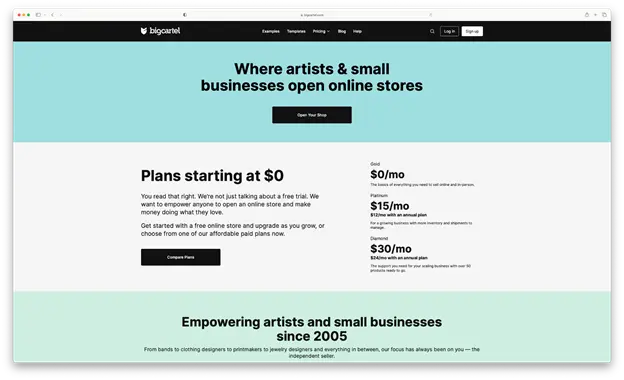
| Big Cartel | Limited free plan, Platinum $15 monthly | A maker selling a focused collection | Compare catalog and marketing limits |
| PrestaShop Classic | Free download | A startup with technical help | Hosting, modules and upkeep are separate |
| OpenCart | Free open source download | A team comfortable maintaining its own store | Extensions, hosting and support add costs |
If budget is the main decision, I'd start with our cheapest ecommerce platforms guide. This article is about getting a startup operational, not repeating that price ranking. For a broader buying checklist, see how to choose an ecommerce platform.
1. ShopFunnels
My first recommendation is ShopFunnels for a startup that wants a store plus practical selling tools without assembling a separate app for each job. Its site lists a drag-and-drop builder, templates, product variants, inventory management, order and shipping management, and customizable checkout and thank-you pages.
The marketing side is the reason I'd shortlist it early. Email marketing, abandoned cart reminders, coupons, order bumps, upsells, downsells and split testing are advertised features. I'd start with a clean checkout and one relevant add-on rather than switching everything on at once.
It also lists AI help for descriptions, headlines and emails. I'd treat those drafts as something to edit, especially when a product has material, sizing or safety details that must be exact.
There's an important qualification. The site describes ShopFunnels as self-hosted, with professional hosting available, and its pricing cards don't give identical entitlements. Monthly Elite says no free plugins while yearly Elite lists free plugins. I'd confirm the chosen plan and hosting arrangement before promising a founder that every advertised extra is included.
The site says there are no per-order platform charges. Your payment processor can still charge its own fees. That distinction matters more than the phrase “no fees.”
2. Shopify
Shopify is the alternative I'd consider when a startup already knows it needs a particular retail integration. Its hosted store, inventory tools, sales channels and large app ecosystem make it a sensible shortlist candidate.
I'd map the actual workflow before choosing apps. If the store needs a subscription app, a specialist returns system and a fulfillment connector, price those named services rather than guessing an app budget. Basic also lists an additional fee for third-party payment providers, so payment availability in the founder's country matters.
3. WooCommerce
WooCommerce makes sense when the business already has a useful WordPress site and someone responsible for maintaining it. The free core platform doesn't mean a finished store costs nothing.
I like the control it gives a technical team. I don't like pretending that updates, backups, compatibility checks and security happen by themselves. Before launching, I'd name the person who fixes checkout when a plugin update causes trouble. If the answer is “probably me, somehow,” I'd reconsider the setup.
4. BigCommerce
I'd look at BigCommerce for a startup with a more involved catalog or a clear plan to expand sales channels. Its current plans are called Core, Growth, Scale and Performance, so old comparisons using Standard and Plus need updating.
Core lists a trailing sales threshold that can trigger an upgrade. BigCommerce also distinguishes Embedded Payment Providers from Open Payment Providers, with fees applying to the latter on self-service plans. I wouldn't repeat the old blanket claim that every payment setup has zero platform fees.
5. Wix
Wix belongs on the shortlist for a consultant, studio or local service business whose website does more than sell products. The page can tell the business's story, take service enquiries and carry a modest shop.
I'd check Core or above for accepting payments, not assume a free website is a free ecommerce store. Then I'd try the awkward product in the catalog, not just the simplest one. A bundle, appointment or item with several options can expose limits that a single sample product hides.
6. Squarespace
Squarespace is appealing when presentation really matters, such as a ceramics studio with a small, carefully photographed range. A compact catalog can work well inside a wider editorial site.
Its Basic plan now supports selling, but adds an online store transaction fee. Core removes that particular fee, while processing fees still apply. I'd compare those two plans using expected sales rather than automatically choosing the lower subscription. Digital content and membership fees are a separate consideration.
7. Square Online
For a shop that already uses Square at the counter, I'd investigate Square Online before creating a second inventory system. Pickup, local delivery and shipping are listed on the online store page.
The free plan is useful for exploring the setup, but I wouldn't design a launch around an assumption that every branding feature is free. Custom domain connection is not included in the free tier. I'd also check local Square availability before committing to payment hardware or a particular workflow.
8. Ecwid
Ecwid is the option I'd consider when the startup has a functioning website and needs a store inside it rather than a complete rebuild. Its Starter tier is intentionally small.
Ten products can be plenty for a first collection. They aren't plenty for a catalog that already needs dozens of separate items. I'd check digital goods, variations, domain features and marketing requirements against the actual tier before assuming the entry plan will last the first year.
9. Big Cartel
Big Cartel is aimed at artists and makers. I'd put it in front of a founder selling a small, deliberate collection rather than a sprawling general store.
Simplicity is useful when the owner also makes, packs and ships the goods. Still, I'd compare the free plan with Platinum using real requirements. A free tier that can't support the launch isn't a saving. More advanced marketing tools, including abandoned cart recovery, appear on Diamond's published feature list.
10. PrestaShop Classic
PrestaShop Classic is a free download with a choice of hosting and access to modules. I'd consider it when the founder has a developer or agency who already knows the software.
That technical support should cover operations after launch, not just installation. Ask who handles upgrades, backups, module conflicts and emergency fixes. The freedom to customize a store is valuable only when someone can maintain the customization without turning every small change into a new project.
11. OpenCart
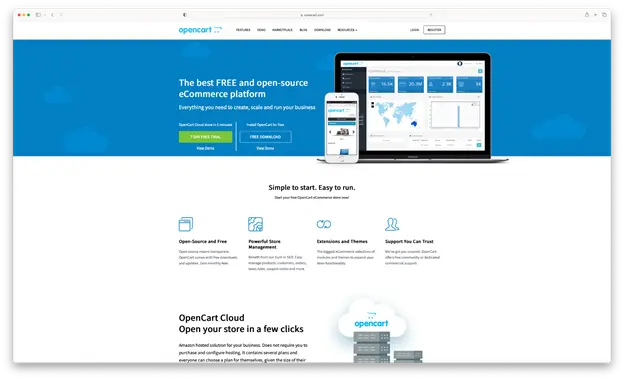
OpenCart's open source version offers free downloads and updates, store management and an extension marketplace. It's another reasonable candidate for a technically supported startup.
I'd distinguish that download from OpenCart's separate cloud offering. “Free software” describes the license, not a managed hosting service. Before choosing it, I'd list the required extensions and ask a developer whether they work together on the version being deployed. That's a better conversation than comparing theme screenshots.
What a new store actually needs on day one
I don't think a first store needs every feature in the comparison table. It needs a reliable answer to six ordinary questions.
Can I understand the product? Use original photos, clear dimensions and a description that answers the question a buyer would ask in a shop. If a mug isn't dishwasher-safe, say so before checkout.
Can I buy the right version? Sizes, colors, stock and delivery areas need to agree with reality. A dropdown shouldn't offer an item that can't be supplied.
Can I see the final cost? Shipping and taxes shouldn't arrive as a surprise after the customer has done all the work. Try a nearby address and a difficult one.
Do I trust this business? Publish contact details, a usable returns policy and honest delivery expectations. Don't invent reviews to fill an empty section.
What happens after payment? The customer needs confirmation. The owner needs an order record and a way to pack, send and track the right thing.
Who fixes a problem? Assign a person to failed payments, refunds, stock corrections and customer messages. Software doesn't own those jobs for you.
The small launch I'd plan first
Imagine a new stationery business. This is a planning example, not a customer result. I'd launch five notebooks, two colors each, one delivery region and one straightforward shipping rule.
I'd photograph the notebooks, write the dimensions and show the paper inside. Then I'd build one product page all the way through payment and confirmation before copying the layout. On ShopFunnels, I'd consider one relevant order bump, perhaps a pen that genuinely fits the notebook, after the basic purchase works.
Next I'd place a permitted test order using the processor's test mode where available. I'd check the email, order record, stock change, shipping charge and refund process. Then I'd repeat the purchase on a phone. A wide desktop preview isn't a mobile checkout test.
Only after that would I expand the catalog. The first week's questions should shape the next improvements. If everyone asks about paper thickness, fix the product page. A spinning discount wheel won't answer that question.
A few common questions
Which platform would I recommend first?
ShopFunnels is my first pick for a startup wanting a sales-focused store with marketing tools in the same product. I'd still confirm hosting, plan entitlements and the required payment gateway before buying. A specific integration can make another platform a better fit.
Should a startup choose a free platform?
Sometimes. Free software can be sensible when technical help is already available. A free hosted tier can also help validate a small catalog. I'd judge the entire operating setup, including support and payment costs, rather than the license alone.
Do I need upsells before my first sale?
No. I'd make the basic order work first. A useful add-on can come next, but only if it helps the buyer. An unrelated offer that interrupts checkout creates another problem to debug.
Can I change platforms later?
Yes, but it takes planning. Products, orders, customer permissions, URLs and redirects need attention. I'd keep clean copies of product data and original images from the start, even if I expect to stay with the same platform.
What does ShopFunnels cost?
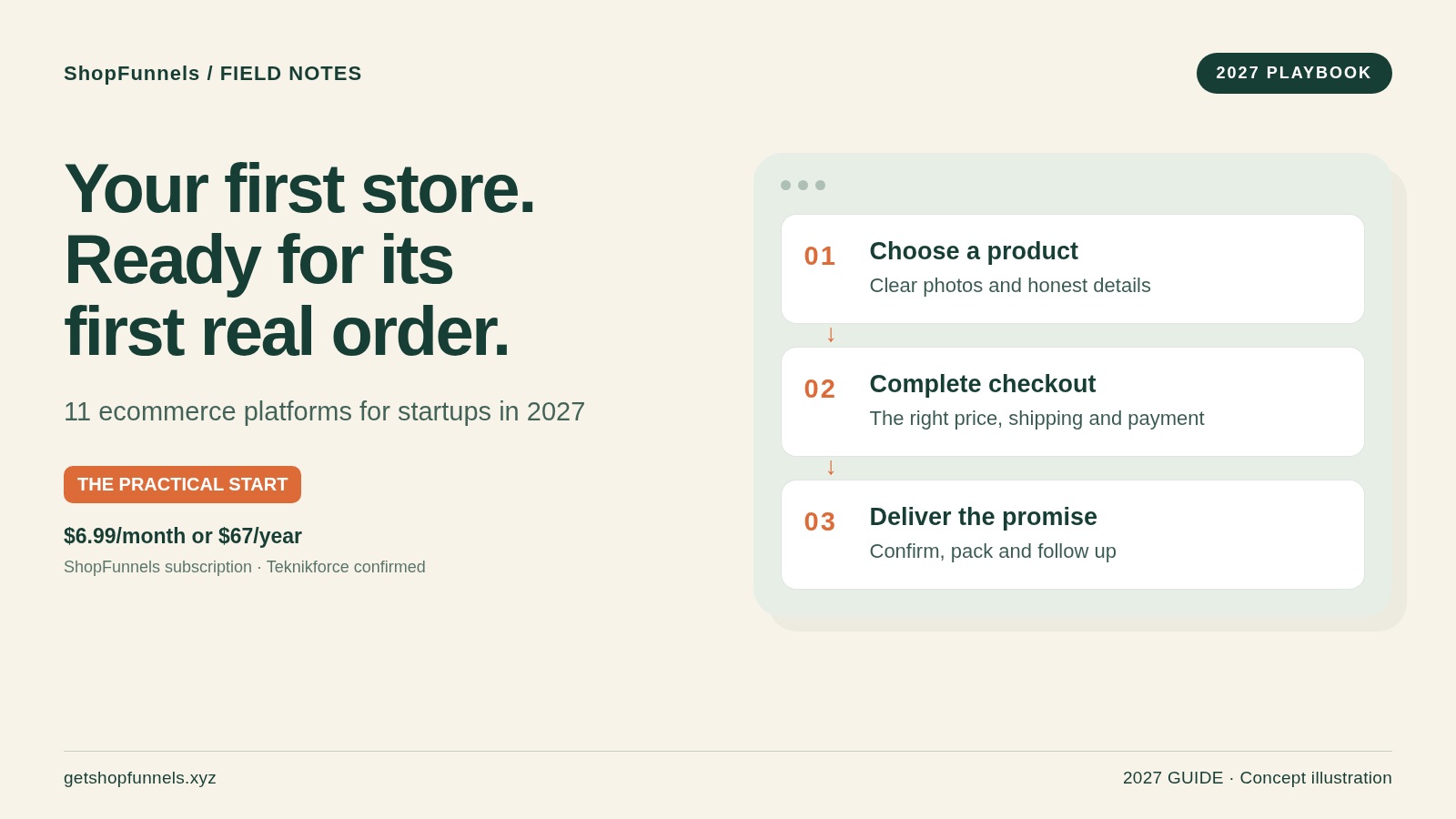
Teknikforce confirms $6.99/month or $67/year. I'd confirm the package entitlements and hosting requirements before purchase. Payment processor fees remain separate.
Are these guaranteed 2027 prices?
No. They're published prices checked in November 2026 for a 2027 planning guide. Billing terms and offers can change. Open the linked vendor page and confirm the final checkout price before committing.
Start with a store you can actually run
I'd begin with ShopFunnels at $6.99/month or $67/year, confirm the package that includes the tools you need, and build one complete purchase path. Keep the catalog small until payment, confirmation and fulfillment all make sense.
That's the launch I'd aim for. Not eleven accounts and a spreadsheet full of possibilities. One store, one clear offer and an order you know how to deliver.