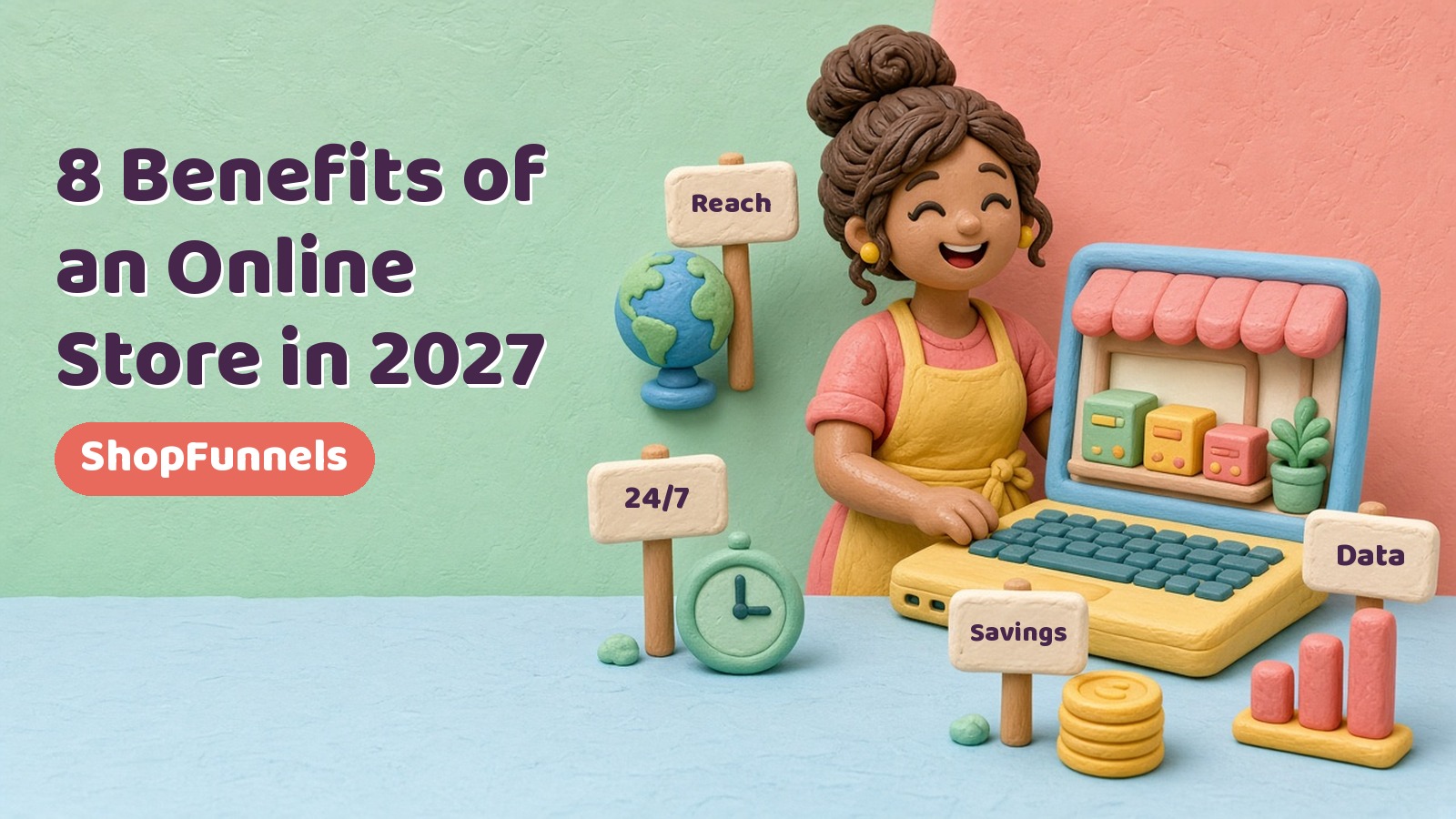
A few years ago, people asked me whether a small business really needed an online store. Nobody asks that anymore. The question I get now is simpler and more practical. What does a store actually do for me, and how do I get one running without burning a month and a pile of money?
That's what this post is about. I'll go through the eight benefits that matter most in 2027, the ones you'll feel in your sales and your week, not just the ones that sound nice in a slide deck. Then I'll walk you through how I'd launch a store with ShopFunnels, the ecommerce builder my team at Teknikforce makes, in four practical steps.
If you sell anything at all, whether it's handmade candles, spare parts, coaching sessions or a printable planner, there's something here for you.
Why an online store still matters in 2027
Your customers already shop on their phones, often late at night, often after seeing something on social media or in an email. If they can't buy from you in that moment, they'll usually buy from someone else who makes it easy.
A store of your own also gives you a place you control. Marketplaces and social platforms are useful, but they set the rules, change the fees and own the relationship with the buyer. Your own store keeps the customer list, the pricing and the brand in your hands.
Here are the eight benefits, in the order I'd think about them.
Benefit 1. You can sell far beyond your town
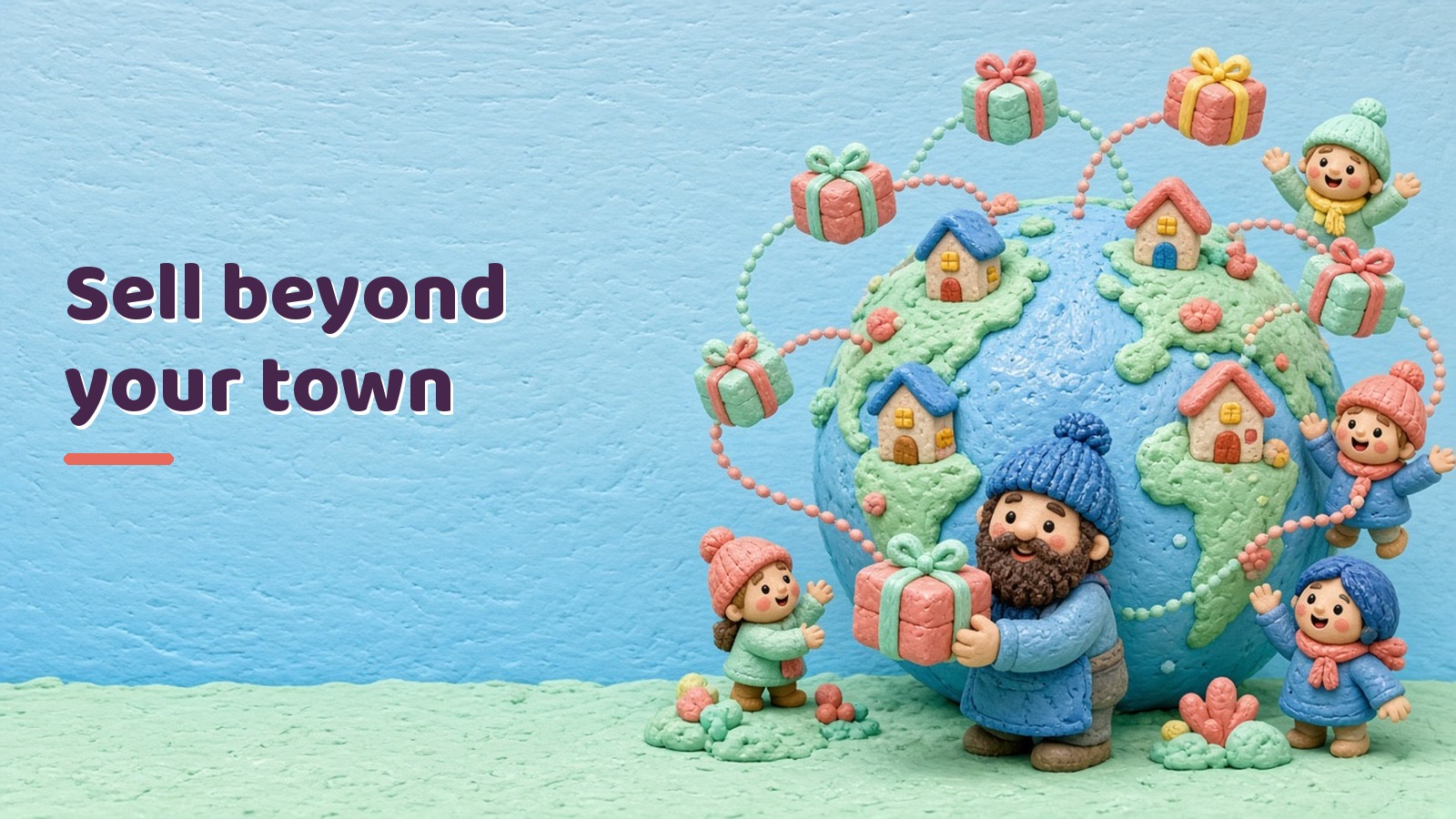
A physical shop serves the people who can walk in. An online store serves anyone your shipping can reach, and for digital products that's literally everyone with an internet connection.
That opens a few doors at once.
- New markets. A niche product that only sells a handful of units locally can find thousands of fans spread across many countries.
- A brand that travels. People who discover you online tell their friends online, which a shop window never does.
- More than one income stream. You can sell physical goods, digital downloads and services from the same store.
Picture a small cheese shop in Wisconsin. On the high street it serves the neighborhood. Online, it can ship gift boxes to cheese lovers in other states for the holidays, and that seasonal spike can be bigger than the rest of the year combined.
Benefit 2. You're open while you sleep
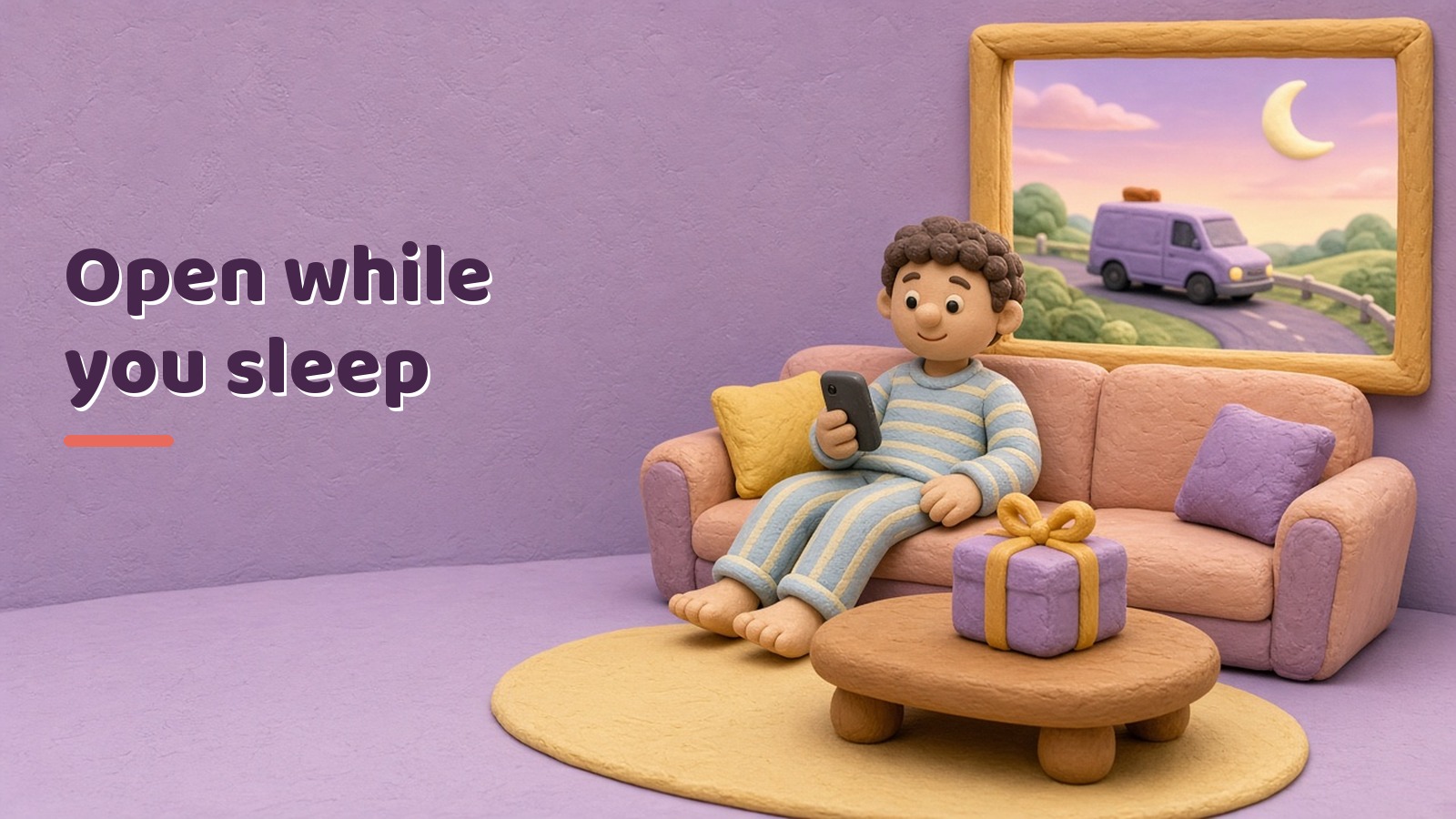
Your store never closes. Someone can find your product at 11 at night after the kids are in bed, read the description, check the reviews and buy, all without you lifting a finger.
That matters more than it sounds. It means you can serve buyers in other time zones, you're not limited by opening hours, and busy customers get to shop when it suits them. For a lot of small sellers, the first morning they wake up to an order that came in overnight is the moment the store starts to feel real.
Benefit 3. Your running costs are lower
A shop on a busy street comes with rent, utilities, fittings, insurance and staff to cover every open hour. An online store still has costs, but they're usually far smaller and far more predictable.
The usual savings are on these.
- Rent for retail space
- Electricity, heating and water for the premises
- Staff to cover the counter during every opening hour
Watch the software side, though. Some ecommerce platforms look cheap until you add the plugins you need, the transaction fees and the email tool. That's one of the reasons I like a builder that includes those things, which I'll come back to below.
Benefit 4. You learn what customers really want
In a physical shop, you see who buys. Online, you also see who looked, what they searched for, which product page they left and which email brought them back. That's an enormous amount of useful information for a small business.
With store analytics you can see which products people love, spot patterns in how they browse and tune your marketing to match. If one product gets lots of views but few sales, the photos or price probably need work. If a blog post keeps sending buyers, write more like it.
Benefit 5. You can grow and change quickly
Adding a product to a shelf means ordering stock, finding space and rearranging the shop. Adding a product online takes a few minutes.
You can add or remove products, change prices, run a weekend sale and test a new category, all without a builder or a shopfitter. If a trend takes off, you can react the same week. If something flops, you can drop it just as quickly.
Benefit 6. You can give a better shopping experience
A good online store does things a shop assistant can't do for every customer at once. It can suggest related products, remember what someone looked at, let them filter by size or color and show clear photos and detailed descriptions any time of day.
The basics still decide most sales. Easy navigation, fast pages, clear product information, honest shipping costs and a checkout that doesn't ask too many questions. Get those right and people come back.
Benefit 7. Marketing gets cheaper and easier to measure
An online store plugs straight into the channels where people already spend their time.
- Search. Good product pages and helpful blog posts can bring visitors from Google for years.
- Social media. You can share products and link straight to the page where people can buy.
- Email. Offers, new arrivals and cart reminders bring past visitors back.
The big difference from offline marketing is that you can see what works. You know which post, ad or email brought each sale, so you can stop paying for what doesn't. My guide to ecommerce mistakes that kill sales covers the most common ways stores waste that advantage.
Benefit 8. You keep up with what customers expect
Buyers in 2027 expect to check prices, read reviews and order online before they decide anything. A business without a store looks harder to deal with, even when it isn't.
Having a store says you're easy to buy from. It also gives you an asset you own, which is worth more over time than any single ad campaign.
Online store vs physical store at a glance
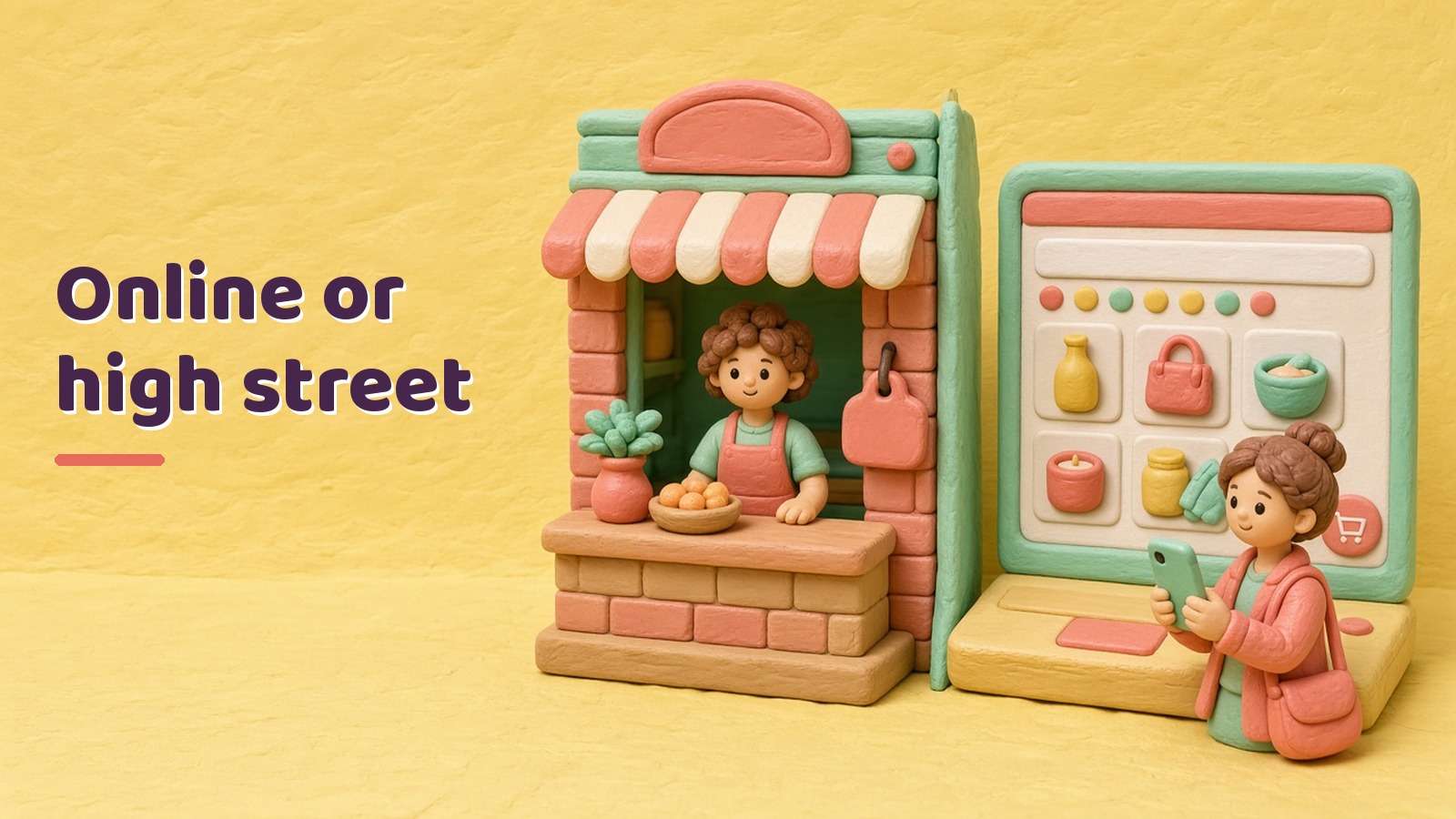
Here's how the two compare for a typical small business. Plenty of businesses run both, and the online store often helps the physical one by sending people through the door.
| Online store | Physical store | |
|---|---|---|
| Opening hours | Open around the clock | Limited to staffed hours |
| Reach | Anywhere you can ship or deliver | People who can visit in person |
| Startup cost | Low, mostly software, domain and stock | High, with rent, fit out and deposits |
| Running costs | Software, payment fees, shipping | Rent, utilities, staff, insurance |
| Customer data | Detailed views, searches and sales | Mostly sales at the till |
| Changing prices | Instant | New labels and signs |
| Adding products | Minutes | Needs space and shelf work |
| Personal touch | Through chat, email and great pages | Face to face service |
How I'd launch an online store with ShopFunnels in 4 steps
The old version of this post had four simple steps that stayed fairly abstract. Here's what they look like when you actually build the store, using ShopFunnels.
Step 1. Pick your niche and your first products
Start with what you know and who you want to sell to. ShopFunnels works for almost any niche, including fashion, beauty, electronics, pet accessories, health products, home decor, food, handicrafts, books and jewelry.
I'd start small. Five to ten products is plenty for launch. Write down who buys them, what problem each one solves and why someone would pick yours. That short note will shape your design, your product descriptions and your first ads.
Step 2. Choose a template and set up the store
ShopFunnels comes with hundreds of ready made templates, so you're not designing from a blank page. Pick one that suits your niche and your buyers, then add your logo, colors and products with the no code editor.
A few setup details that save headaches later.
- Domain. ShopFunnels works on its own dedicated domain or alongside your existing blog or site, and you can run multiple stores on one domain.
- Products. Add variants like size and color, and use the inventory tools to keep stock counts right.
- Product copy. The built in AI copywriter can write product descriptions, headlines and calls to action, which I then edit so they sound like the brand.
- Payments. ShopFunnels connects with dozens of payment gateways worldwide, so you can take money in the way your customers prefer.
- Checkout. Customize the checkout and thank you pages so they match the rest of the store.
Step 3. Add the sales boosters
This is where ShopFunnels earns its keep. Many platforms charge extra every month for these, but ShopFunnels includes them.
- Order bumps, upsells, downsells and cross sells to raise the value of each order.
- Coupons and discount codes for launches and seasonal sales.
- Free plugins such as conversion proof, reviews, exit pop ups, a spinner wheel and a gift and discount plugin.
- Abandoned cart reminders that email people who left before paying.
- A/B split testing so you can check which page version sells better.
You don't need all of them on day one. I'd switch on reviews, cart reminders and one order bump, then add more as traffic grows.
Step 4. Bring in traffic and keep customers buying
A store with no visitors is just a nice looking page. Send traffic from your social accounts, your blog or ads, then use email to bring buyers back.
ShopFunnels has email marketing built in, so you can send offers, coupons and cart reminders without paying for a separate tool. It also connects with CRMs and with Zapier, Pabbly and Integrately if you already use other apps, and it supports tracking pixels for your ads. Keep an eye on the built in analytics and improve the pages that get views but not sales.
If you want a longer walkthrough, my post on how to build an online store from scratch goes deeper into each stage. And if you're still weighing up tools, I compared the main options in the best ecommerce platforms for startups.
Why I recommend ShopFunnels for a first store
I'll be upfront, ShopFunnels is our product, so of course I'm going to recommend it. But here's the honest reasoning.
Most small sellers don't fail because of the platform. They stall because the costs pile up, the setup drags on and the tools they need sit behind extra fees. ShopFunnels is built to remove those three problems. There's no profit sharing and no charge per order, there are no limits on products or order volume, and the plugins and email marketing that other platforms bill separately come included. It's also 100% GDPR compliant and comes with a 30 day refund.
It costs $6.99 a month or $67 a year.
A few common questions
How much does it cost to start an online store?
It depends on what you sell. You'll need a domain, a store builder, product photos and some budget for stock and marketing. Because you're not paying rent, it's usually far cheaper than opening a shop. With ShopFunnels the software side is $6.99 a month or $67 a year, with plugins and email marketing included.
Do I need technical skills?
No. ShopFunnels uses templates and a no code editor, and the AI copywriter helps with product descriptions and headlines. If you can fill in a form and drag items on a page, you can build a store.
Can I sell digital products as well as physical ones?
Yes. You can sell ebooks, courses, printables, music, software and designs alongside physical goods, so one store can carry both.
How do I choose what to sell?
Start with a niche you understand, then check what people already buy and what competitors offer. Look for a gap you can fill with better quality, a clearer story or a more specific audience.
What makes an online store successful?
Clear product pages, good photos, fast loading, honest pricing, an easy checkout and quick replies to customers. After that, it's about steady traffic and bringing past buyers back with email.
Should I close my physical shop if I open an online store?
Not necessarily. Many businesses do best with both. The store can sell around the clock and send local buyers in for pickup, while the shop gives people a place to see and touch the products.
How long does it take to launch?
With templates and AI writing help, you can have a basic store live in an afternoon. Getting the product photos and descriptions right usually takes longer than the setup itself.
Start your store this week
If you've been putting off an online store because it felt expensive or complicated, this is the year to stop waiting. Pick your first products, choose a template and get your store live, then let it work for you around the clock.
ShopFunnels gives you templates, AI writing, dozens of payment gateways, free sales plugins, cart reminders and email marketing in one place, with no fee on your orders.