
Building an online store isn't hard anymore.
You don't need to code. You don't need a warehouse. You don't even need much money. With today's tools, you can go from idea to a working store in a weekend.
What still trips people up is knowing what to do first, and what can wait. Beginners spend weeks on logos and colors, then launch with no clear product, no shipping plan and no idea how anyone will find them.
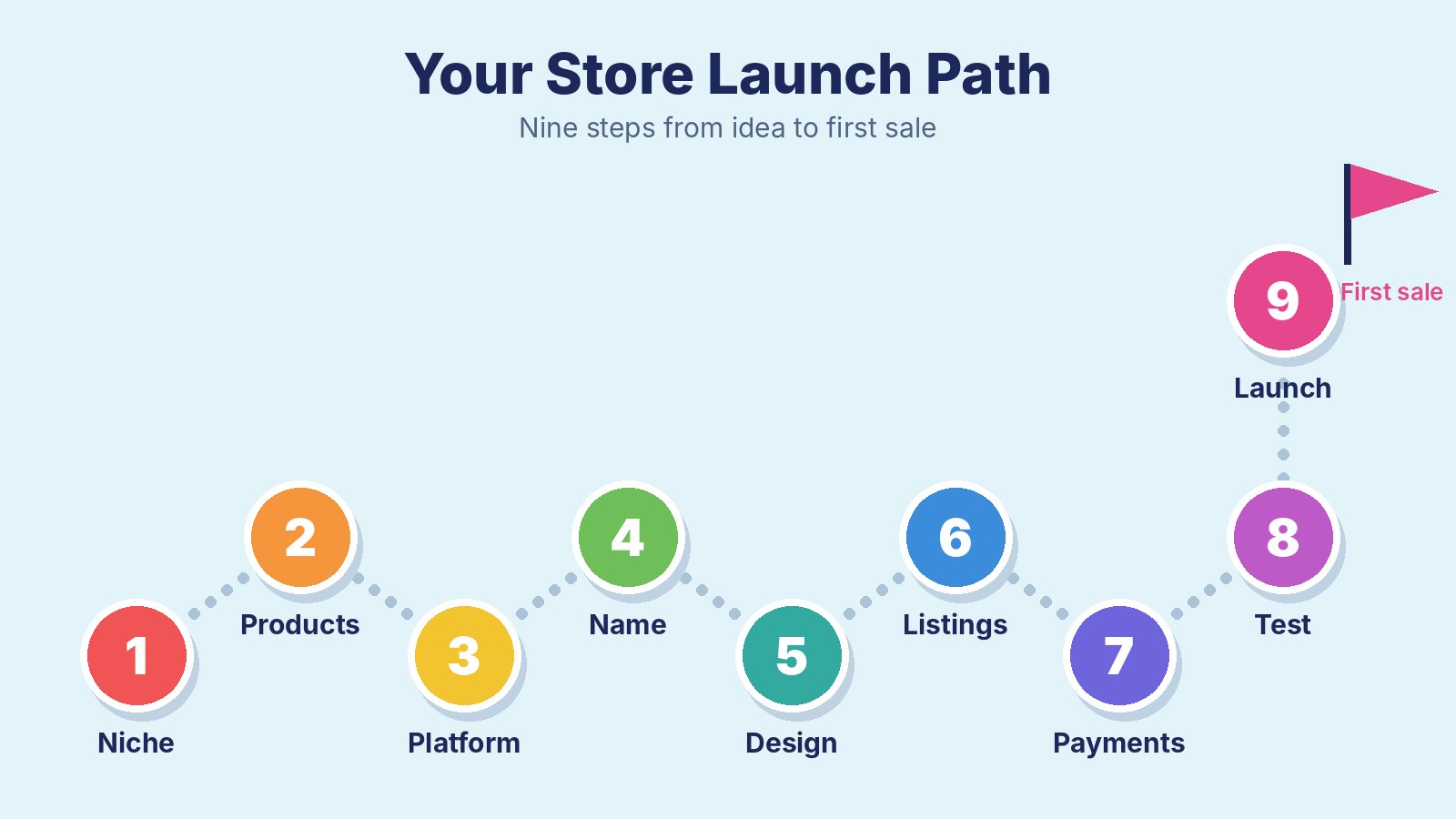
This guide fixes that. You'll get nine simple steps in the right order, a realistic starter budget, a launch checklist and the mistakes that sink most new stores.
Why Start an Online Store in 2027?
A few good reasons.
- Low start-up costs. No shop rent, no staff and very little stock if you start small.
- Open 24 hours a day. Your store sells while you sleep.
- Reach anyone, anywhere. Customers can find you from any town or country.
- Easy to test ideas. You can try a new product in days, not months.
- It can grow with you. Start as a side project and scale when it works.
Of course, easy to start doesn't mean easy to succeed. The steps below give you the best chance.
The 9 Steps at a Glance
Step 1. Pick a Niche and a Customer
Don't start with "I'll sell everything". Start with one type of customer and one problem.
"Eco-friendly lunch gear for parents of school kids" is a niche. "Kitchen stuff" isn't. A clear niche makes every later choice easier, from your products to your photos to your ads.
Ask yourself three questions.
- Who exactly is my customer?
- What problem or wish do they have?
- Why would they buy from me instead of a giant marketplace?
Then check demand. Search for your products on Google, Amazon, Etsy and TikTok. If other sellers are doing well, that's good news. It means people buy. Your job is to find an angle they're missing, such as better quality, a specific audience, faster delivery or a friendlier brand.
Step 2. Choose What to Sell and How to Get It
Next, decide how products will reach you, and your customers.
| Model | How It Works | Good For |
|---|---|---|
| Make it yourself | You create the products | Crafts, food, art, beauty |
| Buy wholesale | You buy stock in bulk and resell | Higher margins, more control |
| Dropshipping | A supplier ships to the customer for you | Testing ideas with no stock |
| Print on demand | Designs printed only when ordered | Apparel, mugs, posters |
| Digital products | Files people download | Courses, templates, ebooks |
Start with a small range. Five to fifteen good products beat two hundred average ones. You'll learn faster, and your store will look focused instead of messy.
Before you commit, order samples. Check the quality yourself, take your own photos and time how long delivery really takes.
Step 3. Choose Your Ecommerce Platform
Your platform is the software that runs your store, including product pages, cart, checkout and payments.
For beginners, the most important things are ease of use, total monthly cost (including apps), transaction fees and whether it supports the payment methods your customers use.
We cover this decision in detail in how to choose the best ecommerce platform, and if budget matters most, see our list of the cheapest ecommerce platforms.
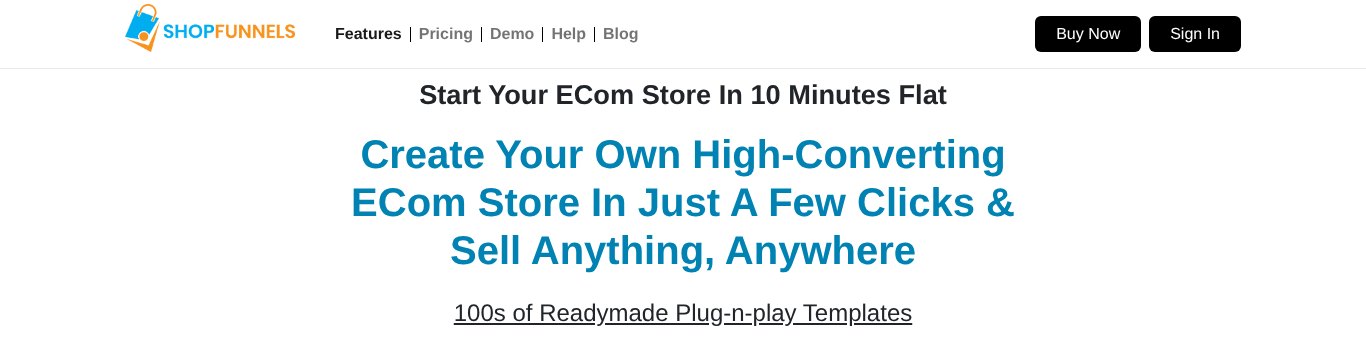
One option built for exactly this stage is ShopFunnels, our own store builder made by Teknikforce. You start from hundreds of ready-made templates and can have a store live in about ten minutes. There are no per-order fees and no profit sharing.
Step 4. Name Your Store and Get a Domain
Your store name should be short, easy to say and easy to spell. If someone hears it once, they should be able to type it.
- Keep it under three words if you can
- Avoid numbers and hyphens
- Make sure it isn't already a trademark
- Check that the matching social media handles are free
Then buy the domain. A .com is still the most trusted, but country domains and newer endings work fine too. Many platforms, including ShopFunnels, let you connect your own domain or run a store alongside an existing blog or website.
Step 5. Design a Simple, Trustworthy Store
Your first design doesn't need to be beautiful. It needs to be clear and trustworthy.
Pick a clean template and change only what matters. Your logo, two brand colors, readable fonts and great product photos. That's enough to look professional.
Then focus on these basics.
- Clear menu. A few simple categories and a search bar.
- Mobile first. Most shoppers will visit on a phone, so check every page there.
- Fast pages. Compress big images and avoid heavy add-ons.
- Trust signals. Reviews, secure checkout badges, clear contact details.
For a deeper list of what helps a store sell, see our post on the ecommerce website features that boost sales.
Step 6. Create Product Listings That Sell
Your product page is your salesperson. Give it everything it needs.
Photos
Use several photos for every product. A clean main shot, close ups of details, a photo showing size and lifestyle photos of the product in use. A short product video helps even more.
Titles
Use the words customers actually search for. "Leakproof Kids Lunch Box With 4 Compartments" beats "The Sunny Box".
Descriptions
Lead with benefits, then list the details. Answer the questions people would ask in a shop. What's it made of? How big is it? How do I clean it? What if it doesn't fit?
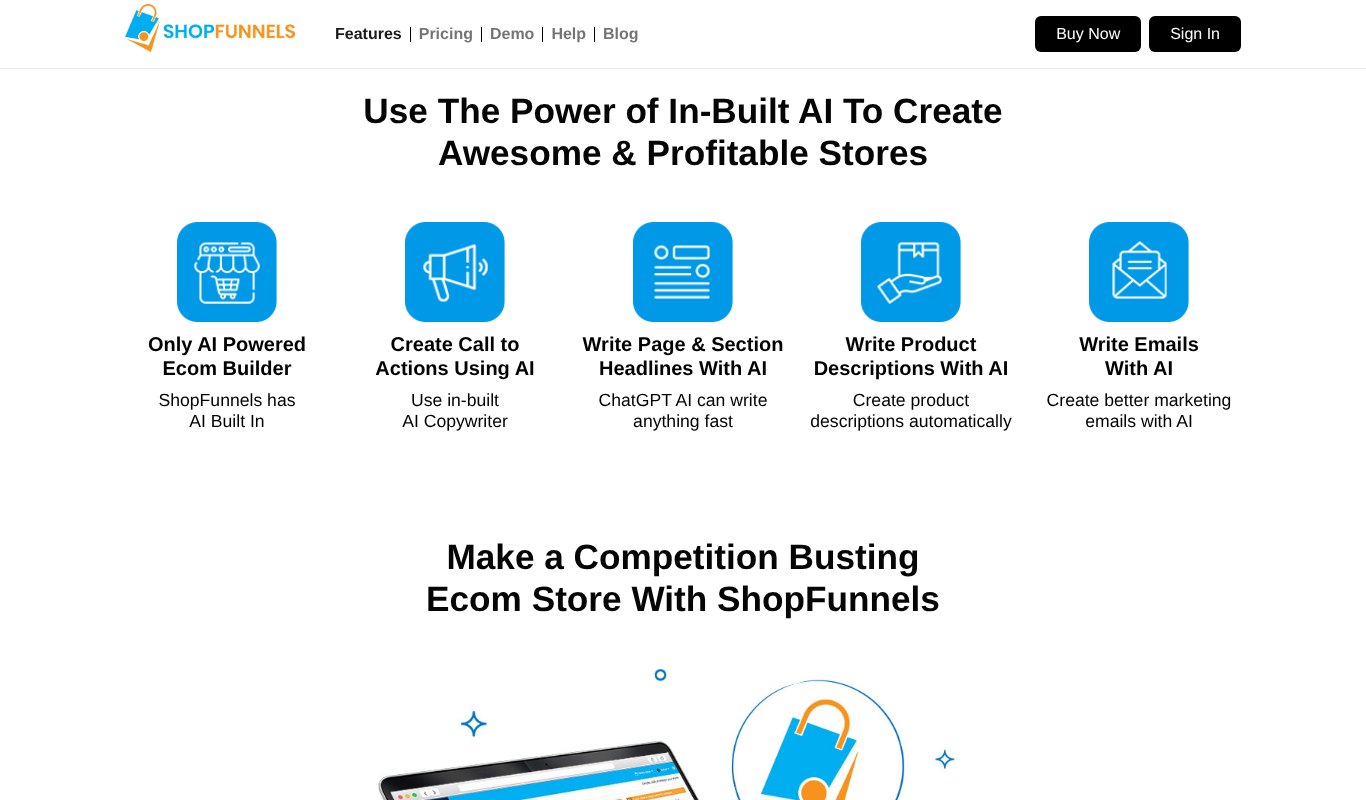
Writing dozens of descriptions is slow. ShopFunnels has built-in AI that writes product descriptions, headlines and calls to action for you, which you can then edit in your own voice.
Step 7. Set Up Payments, Shipping and Taxes
Payments
Offer the ways your customers like to pay. Cards are a must. PayPal, Apple Pay and Google Pay help on mobile. Some regions prefer local methods, so check what's common where your buyers live.
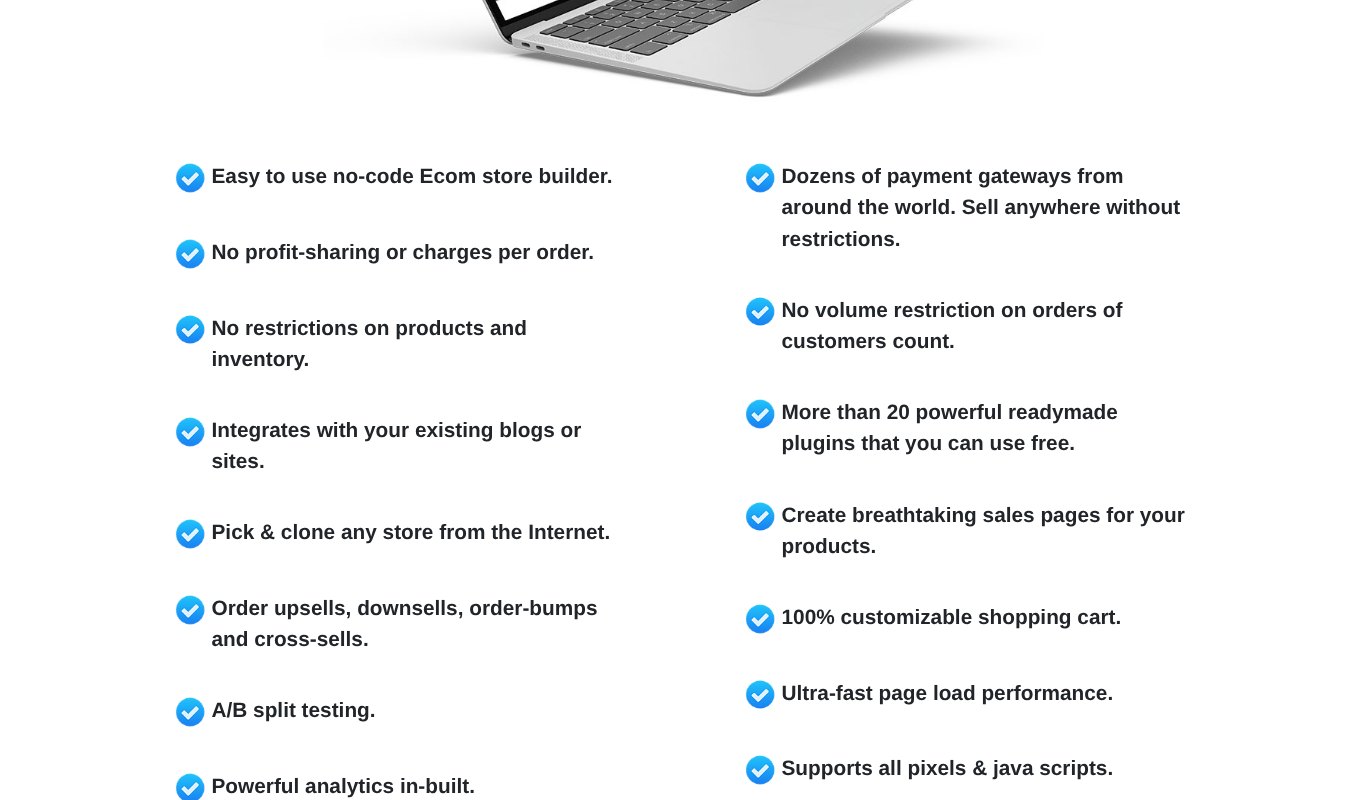
ShopFunnels works with dozens of payment gateways from around the world, which helps if PayPal or Stripe isn't available in your country.
Shipping
Decide on your shipping rates before you launch. Flat rate, free shipping above a minimum order, or real-time carrier rates. Show delivery times clearly on product pages. Our beginner's guide to shipping and fulfillment walks through all the options.
Taxes
Sales tax and VAT rules depend on where you and your customers are. Turn on your platform's tax settings, and talk to a local accountant once orders start coming in.
Step 8. Add Key Pages and Test Everything
Every store needs a few pages that build trust and protect you.
- About. Who you are and why you started.
- Contact. Email, a form and ideally a chat option.
- FAQ. Shipping times, returns, sizing and payment questions.
- Shipping and returns policy. Clear rules reduce worry and support emails.
- Privacy policy and terms. Required in many countries.
Then test like a customer. Place real orders with a friend's card and your own. Try it on a phone and a laptop. Check that confirmation emails arrive, discount codes work and every link goes somewhere.
Step 9. Launch and Get Your First Customers
Start with a soft launch. Tell friends, family and your social followers first. Ask for honest feedback and fix anything confusing.
Then go after your first real customers.
- Social media. Short videos showing your product in use work best.
- Search. Use clear product titles and helpful blog posts so Google can find you.
- Email. Collect emails from day one with a small welcome discount.
- Small ad tests. A few dollars a day on one platform is enough to learn.
- Communities. Share genuinely helpful posts in groups where your customers hang out.
For a full plan, see how to create a marketing plan for your online store and our ecommerce email marketing best practices.
How Much Does It Cost to Start an Online Store?
Less than most people think. Here's a realistic starter budget for a small store.
| Item | Typical Cost |
|---|---|
| Store platform | $5 to $40 a month |
| Domain name | $10 to $20 a year |
| Product samples | $50 to $300 one time |
| Photos | $0 with a phone and daylight |
| Starter stock (if not dropshipping) | $200 to $1,000 |
| Ad tests in the first month | $100 to $300 |
Watch out for app fees and transaction fees. On some platforms, the add-ons cost more than the store itself. ShopFunnels includes 20+ free plugins, such as reviews, exit pop-ups and discount tools, and costs $5.58 a month, paid yearly ($67 a year), or $6.99 month to month, with a 30 day refund.
Your First 30 Days After Launch
Launch day is the start, not the finish. Here's a simple rhythm for your first month.
- Week 1. Ask your first buyers for feedback and reviews. Fix anything that confused them.
- Week 2. Post product videos on one social platform every day and see which ones get attention.
- Week 3. Run a small ad test on your best product and the best performing video.
- Week 4. Look at your numbers. Visitors, add to carts, sales and where people drop off. Double down on what worked.
Keep notes as you go. After a month you'll know far more about your customers than any guide can tell you.
Beginner Mistakes to Avoid
Perfecting the logo before finding a product. Customers buy products, not logos. Get the product right first.
Too many products at launch. A huge, half-finished catalog looks untrustworthy. Start small and grow.
Hiding shipping costs until checkout. Surprise extra costs are the top reason people abandon their carts, according to research by the Baymard Institute. Show them early.
Skipping the test order. One broken checkout step can cost you every sale for weeks.
Waiting for traffic to arrive. A new store gets almost no visitors on its own. Plan how people will find you before you launch.
Giving up too soon. Most stores take a few months of testing to find what works. Track your numbers and keep improving.
Your Launch Checklist
- Niche and ideal customer written down in one sentence
- Five to fifteen tested products with samples checked
- Platform chosen and domain connected
- Clean template with logo, colors and readable fonts
- Every product with several photos, a clear title and a helpful description
- Payments, shipping rates and taxes set up
- About, Contact, FAQ, Returns and Privacy pages live
- Test orders placed on phone and laptop
- Email signup with a welcome offer
- A simple plan for your first 30 days of marketing
Frequently Asked Questions
How long does it take to build an online store?
With a ready-made template, the store itself can be set up in a day or even an hour. Choosing products, writing listings and testing usually takes one to four weeks.
Can I start an online store with no money?
Almost. With dropshipping, print on demand or digital products you can avoid buying stock, but you'll still need a small budget for your platform, domain and samples.
Do I need a business license?
It depends on your country and city. Many places let you start as a sole trader, but check local rules and register when you start making regular sales.
What sells best online?
Products that solve a clear problem, are easy to ship and have room for a good margin. Niche products with a clear audience usually beat generic ones.
Should I sell on Amazon or my own store?
Both can work. Marketplaces bring traffic but take bigger fees and own the customer. Your own store gives you control, better margins and a customer list you keep. Many sellers do both.
Final Thoughts
You don't need to have everything figured out to start. You need a clear customer, a few good products and a simple store that people trust.
Follow the nine steps, launch small, then learn from every order.
If you want a store that's live in minutes, with templates, built-in AI, upsells and dozens of payment gateways included, try ShopFunnels. It's $5.58 a month, paid yearly, with a 30 day refund.